Getting started with Mentoring in Engage
Mentoring connects mentors and mentees across your organization. Open it from Mentoring in the left navigation; if it shows a lock, your organization has not added it yet.
Mentoring connects mentors and mentees across your organization so people can track progress, set goals and grow through guided mentoring programs. It lives inside Engage, so there is nothing extra to sign in to.
Open Mentoring
Choose Mentoring in the left navigation, in the same group as your Objectives and 1:1s.
- If your organization has Mentoring, the mentoring workspace opens inside Engage, already signed in as you.
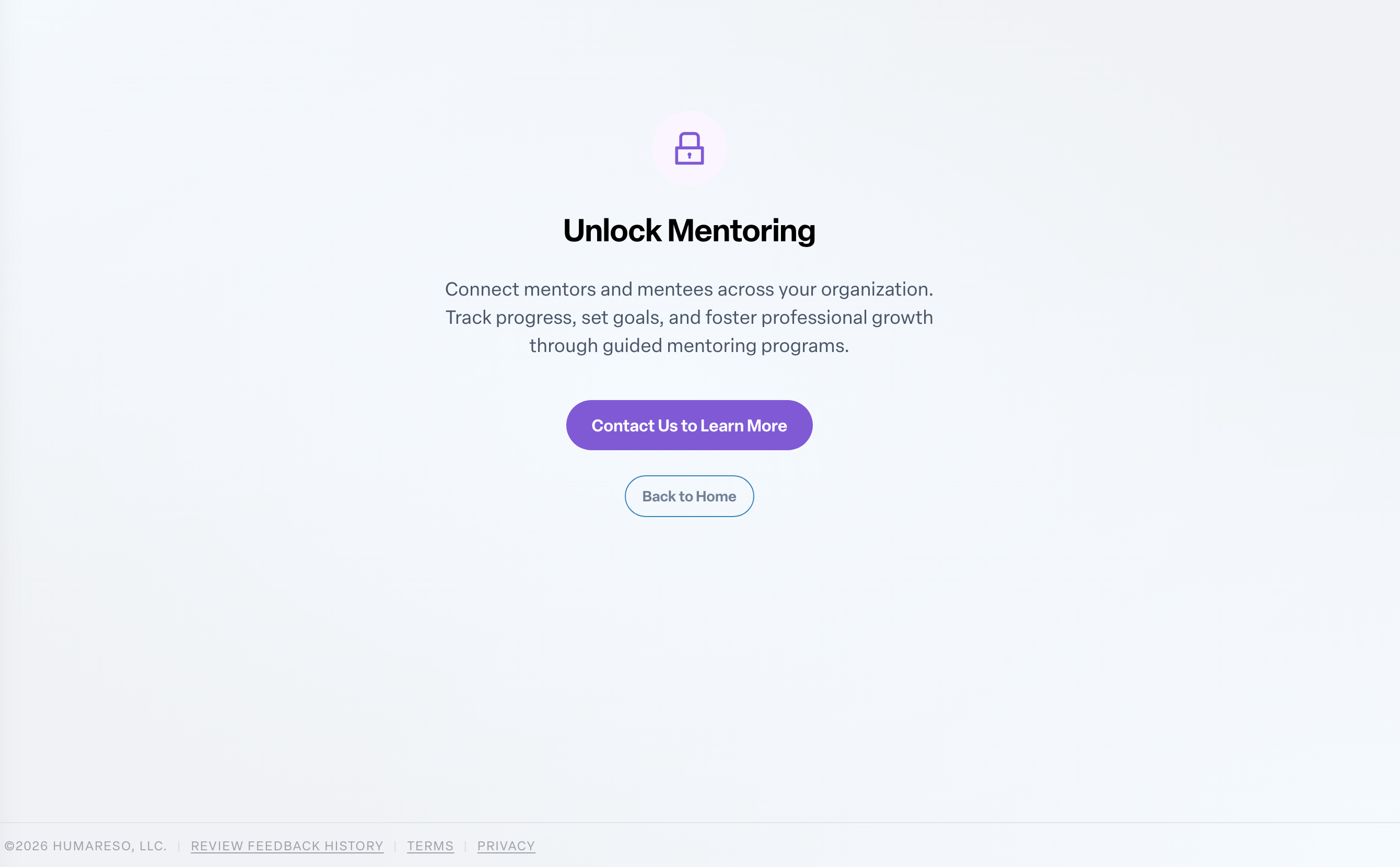
- If your organization does not have Mentoring yet, the menu item shows a lock. Choosing it opens Unlock Mentoring, which explains what Mentoring does.
Want Mentoring for your organization?
On the Unlock Mentoring page, press Contact Us to Learn More to email the Humareso team, or Back to Home to return to your dashboard. Admins who want to add Mentoring can reach out the same way.
Mentoring and your 1:1s
A mentor does not need to be your manager. If your manager or an admin wants your mentor to give input on a 1:1 or a review, they can add the mentor as a contributor. See Adding or removing contributors on a 1:1.