Why does an Engage feature show an "Unlock" page?
Your organization has not turned that feature on yet. The page explains what the feature does and how to ask about it. Once it is turned on, the same link opens the feature itself.
Some Engage features are optional, and each organization chooses which ones to use. When you open a feature your organization has not turned on, Engage shows a short preview page instead, such as Unlock Lead360, Unlock One-on-Ones or Unlock Mentoring.
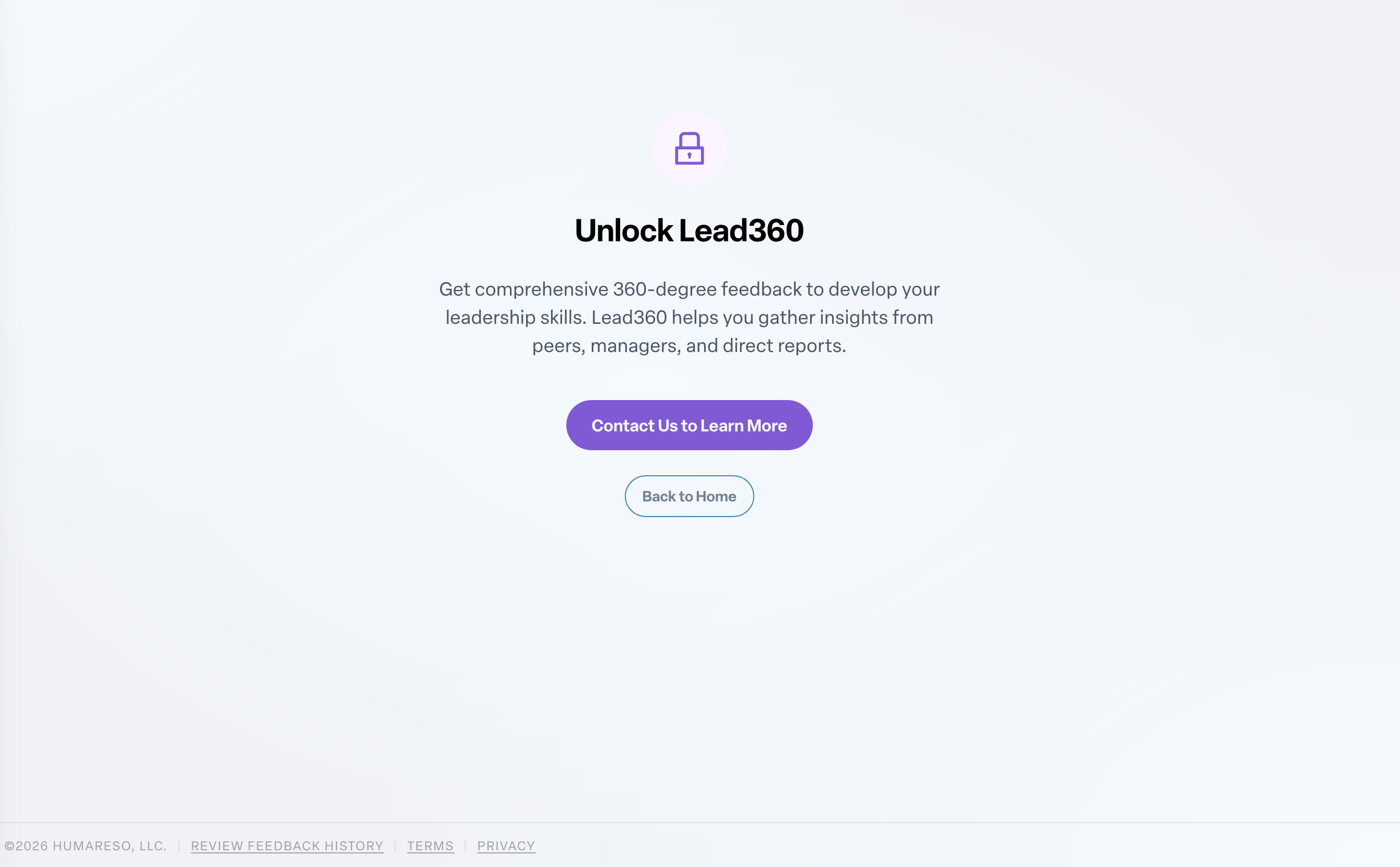
The page describes what the feature does and gives you two choices:
- Contact Us to Learn More opens an email to the Humareso team.
- Back to Home returns you to your Home page.
Nothing is broken. Your account is fine; the feature simply is not part of your organization's setup yet. In the left navigation, a locked feature may show a Premium label.
Want the feature? Talk to your administrator. They decide which features your organization uses and can contact Humareso to add it.
Once the feature is turned on for you, the same link takes you straight into the feature, and the preview page no longer appears.