What happens when I unsubscribe from Engage emails?
The unsubscribe link in an Engage email turns off your feedback reminder emails and texts, and your HR team is told that you unsubscribed. Security emails still arrive, and other notifications are managed in Account Settings.
When you follow the unsubscribe link in an Engage email, you land on Unsubscribe from Email Notifications.
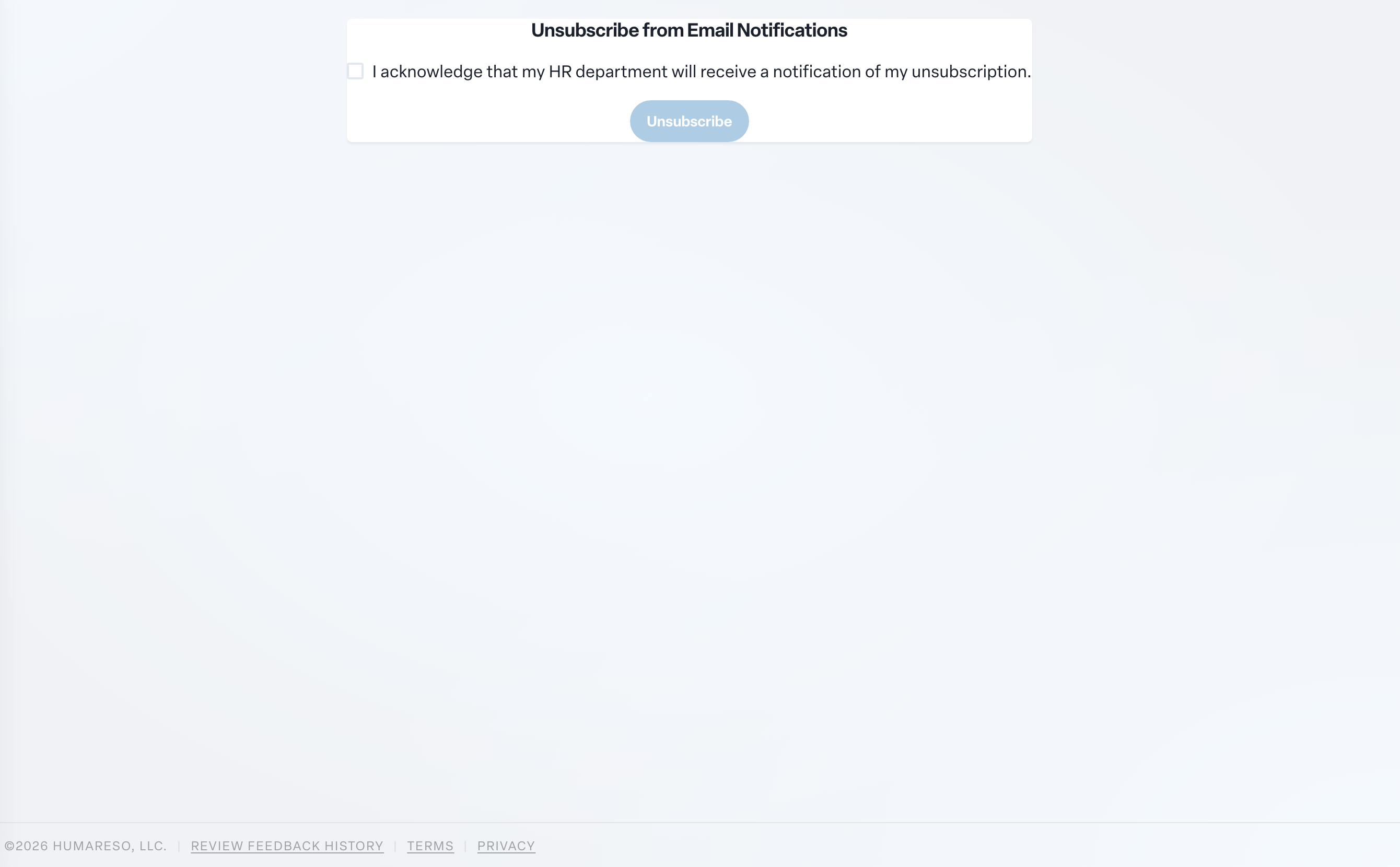
To unsubscribe:
- Check I acknowledge that my HR department will receive a notification of my unsubscription.
- Select Unsubscribe.
You will see Unsubscribed from Email Notifications and return to your Home page.
What changes:
- Your feedback reminders stop arriving by email and text message.
- Your HR team receives a short notification that you unsubscribed.
- Security and sign-in emails, such as sign-in links, still arrive. They keep your account secure and cannot be turned off.
- Other notifications you have turned on in Account Settings, such as high-five or objective emails, are managed there. Check your settings if you want to turn those off too.
If you are not getting reminders by email or text, the unsubscribe page sends you straight to Home because there is nothing to unsubscribe from.
Want more control? Instead of switching everything off, open Account Settings and choose exactly which notifications you get on each channel. That is also where you turn reminders back on. See Choosing how Engage notifies you.
Keep in mind that feedback cards are how your colleagues hear from you. If reminders are off, check Engage regularly so cards do not expire unanswered.