Answering Quick Pulse and open-ended question cards
Quick Pulse cards are short polls you answer with a swipe or tap. Open-ended cards ask a question you answer in your own words. Both are anonymous and arrive in your weekly feedback deck.
Besides cards about your colleagues, your organization can ask you quick questions of its own. If your organization uses them, they appear in your weekly deck on the Feedback page.
Quick Pulse cards
A Quick Pulse card is a one-question poll, marked Pulse at the top. Your organization writes the question and the answer labels, so the buttons say whatever fits the question.
- Read the question.
- Swipe right or tap the right button for the positive answer, swipe left or tap the left button for the negative one.
- If the poll offers a "don't know" style option, it appears above the other two buttons; swipe down or tap it.
Every Quick Pulse card shows Your answer is anonymous. Responses are combined with your team's, and managers see counts, not who said what. When results are broken down by team, location or another group, any group with fewer than 5 responses is hidden (your organization can set that number higher).
Open-ended question cards
An open-ended card, marked Open Ended Questions, asks something you answer in your own words.
- Read the question.
- Type your answer in the box that says Enter your anonymous response here.
- Select Submit. The button stays disabled until you type something.
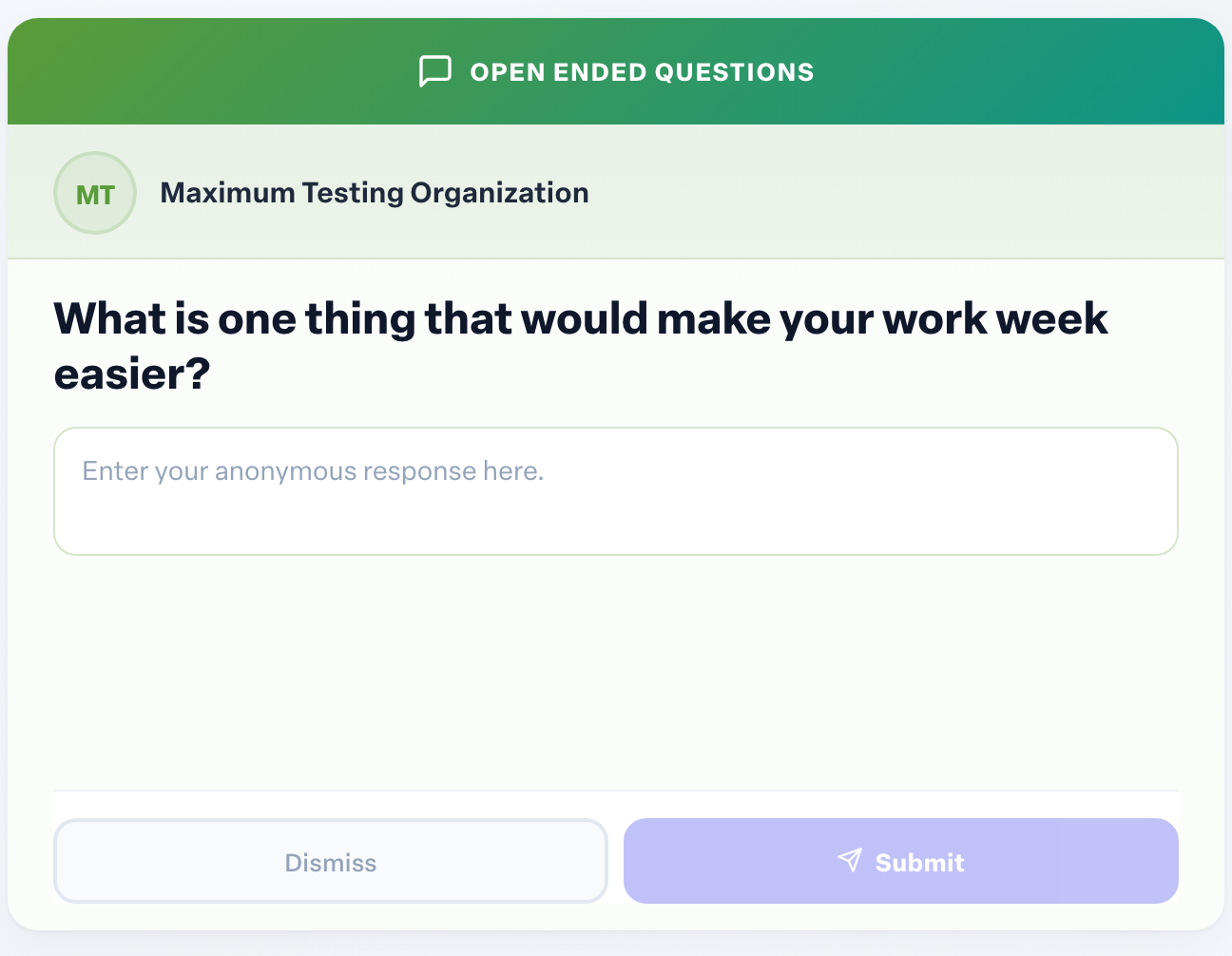
Not ready to answer? Select Dismiss to skip it.
Who sees open-ended answers
Admins read open-ended answers without names attached. To protect you, a question's answers stay hidden from admins until more than 5 people have responded, so a small group can never be singled out. Answers like "NA" are left out.
Even so, write as though your words could be recognized. A detail only you would know can identify you.