Answering the eNPS question in your feedback cards
The eNPS card asks how likely you are to recommend your organization as a place to work, on a scale from 0 to 10. If you choose 6 or lower, you can add a comment about why.
eNPS (employee Net Promoter Score) is one question your organization uses to track how people feel about working there. When your organization runs an eNPS survey, the question shows up as a card in your weekly deck.
Answer the card
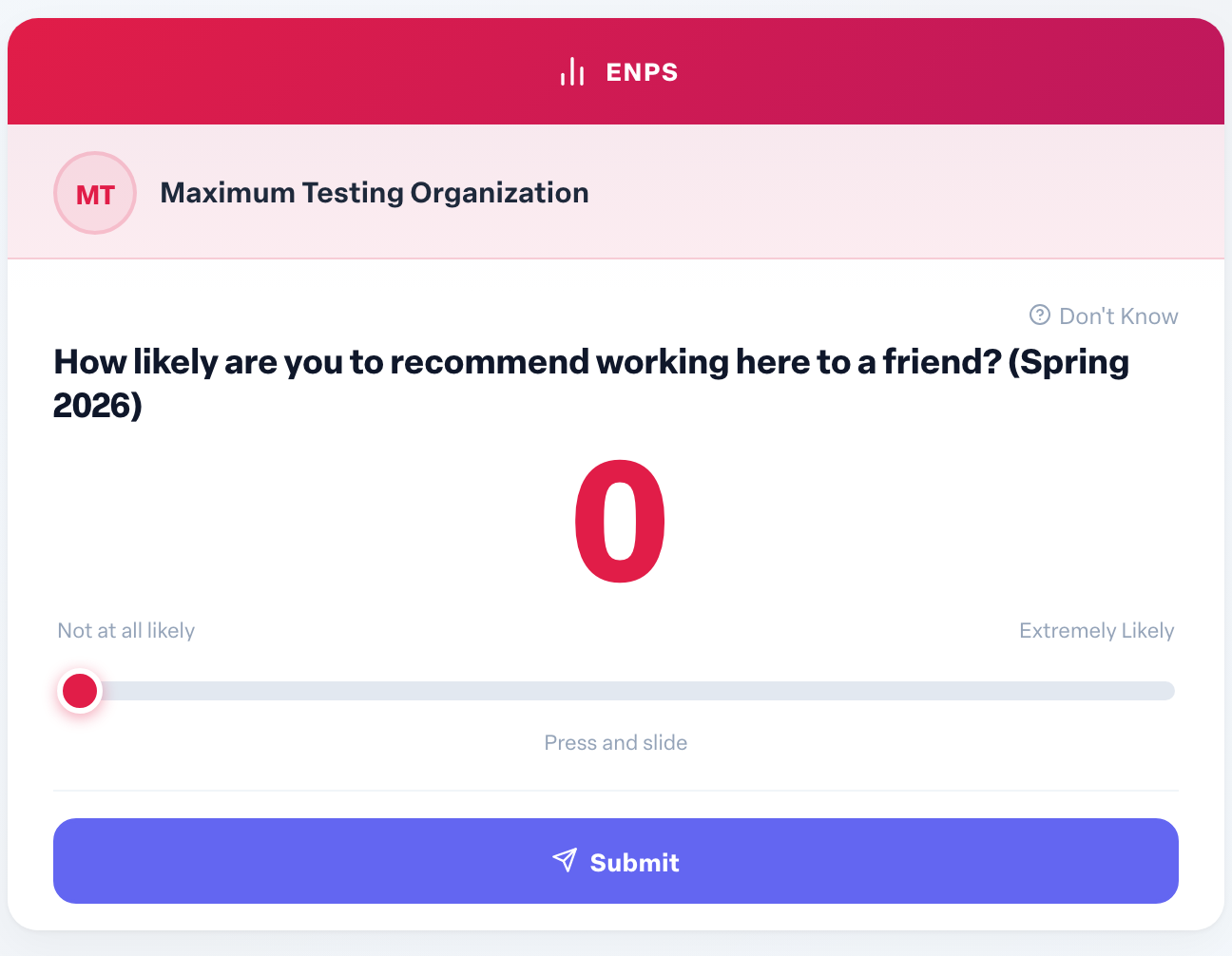
The card asks: on a scale from 0 to 10, how likely are you to recommend your organization as a place to work to your family and friends?
- Press and slide to pick a number from 0 (Not at all likely) to 10 (Extremely Likely).
- Select Submit.
If you cannot answer, select Don't Know instead.
Adding a comment
If you choose 6 or lower, the card turns over and asks We'd love to hear more about why you chose your answer. Type your comments and select Submit, or select Skip to leave it at the number. Scores of 7 and above go straight through with no comment step.
Comments are optional, but they are the most useful part of the survey for the people trying to make things better.
Who sees your answer
Your organization's eNPS results are reported as a score built from everyone's answers: promoters (9 or 10), passives (7 or 8) and detractors (0 to 6).
Be aware that eNPS answers are not hidden from admins the way habit feedback is. If your organization has the survey response viewer turned on, admins, and managers for the people they can see, can view individual ratings and comments with the respondent's name, team and location. They can choose to hide names, but they do not have to. Write your comment with that in mind.