How do I change the language Engage uses?
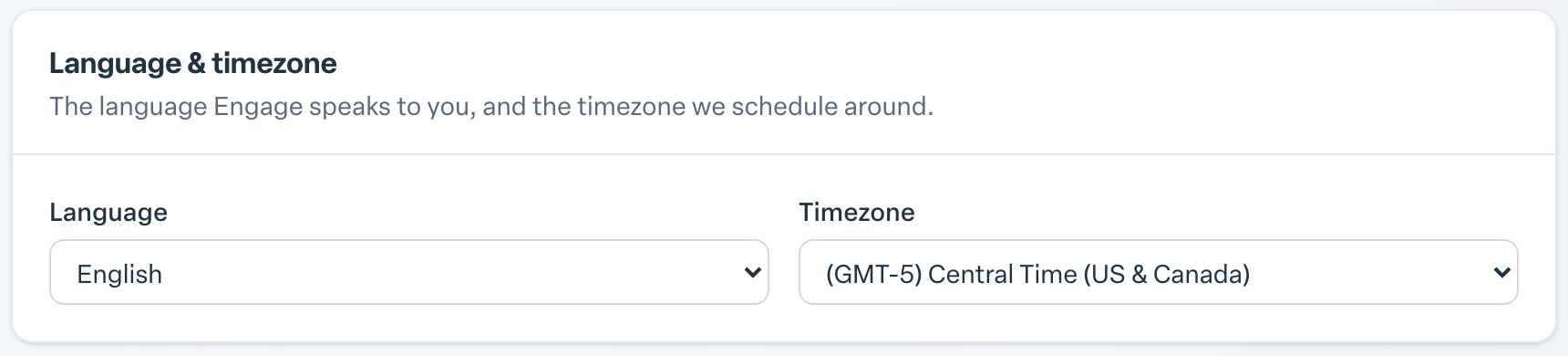
Open Account Settings, choose a language under Language & timezone, and select Save changes. Engage supports English, Spanish, French, Canadian French, German, Brazilian Portuguese and Chinese.
- Select your name or photo in the top right corner and choose Account Settings.
- Go to the Language & timezone section.
- Pick your language from the Language list.
- Select Save changes at the bottom of the page.
Available languages: English, Español, Français, Français (Canada), Deutsch, Português (BR) and 中文.
You can also choose your language during your first sign-in setup. Some organizations show a language picker on its own at first sign-in.
The change applies to your account only, so colleagues keep the language they chose. Your language choice changes the words in Engage's menus, buttons and messages. Content your organization writes itself, such as custom habit names or announcements, appears as your organization wrote it.
In the same section you can set your Timezone, which controls when your daily digest and reminders arrive. Leave it on Use organization default to follow your organization's timezone.