Engage release notes: January 2026
A redesigned one-on-one page that works on your phone, fewer unnecessary feedback emails, and a Notification Audit that covers every message.
January was about the conversations that matter most. One-on-ones got a cleaner layout that works just as well on a phone, and we cut down on feedback emails that people did not need.
New features
A redesigned one-on-one page, now mobile friendly
Major update
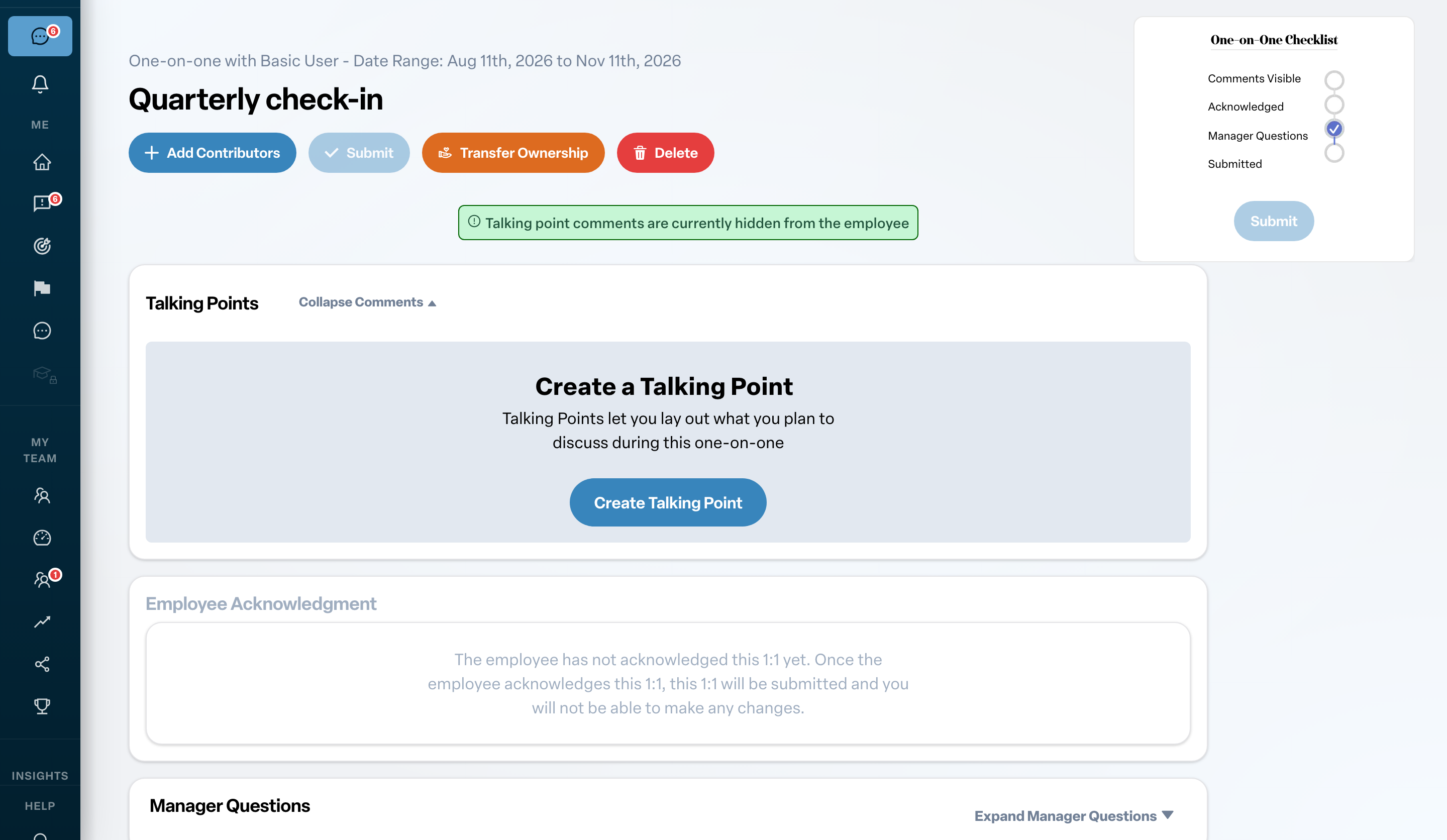
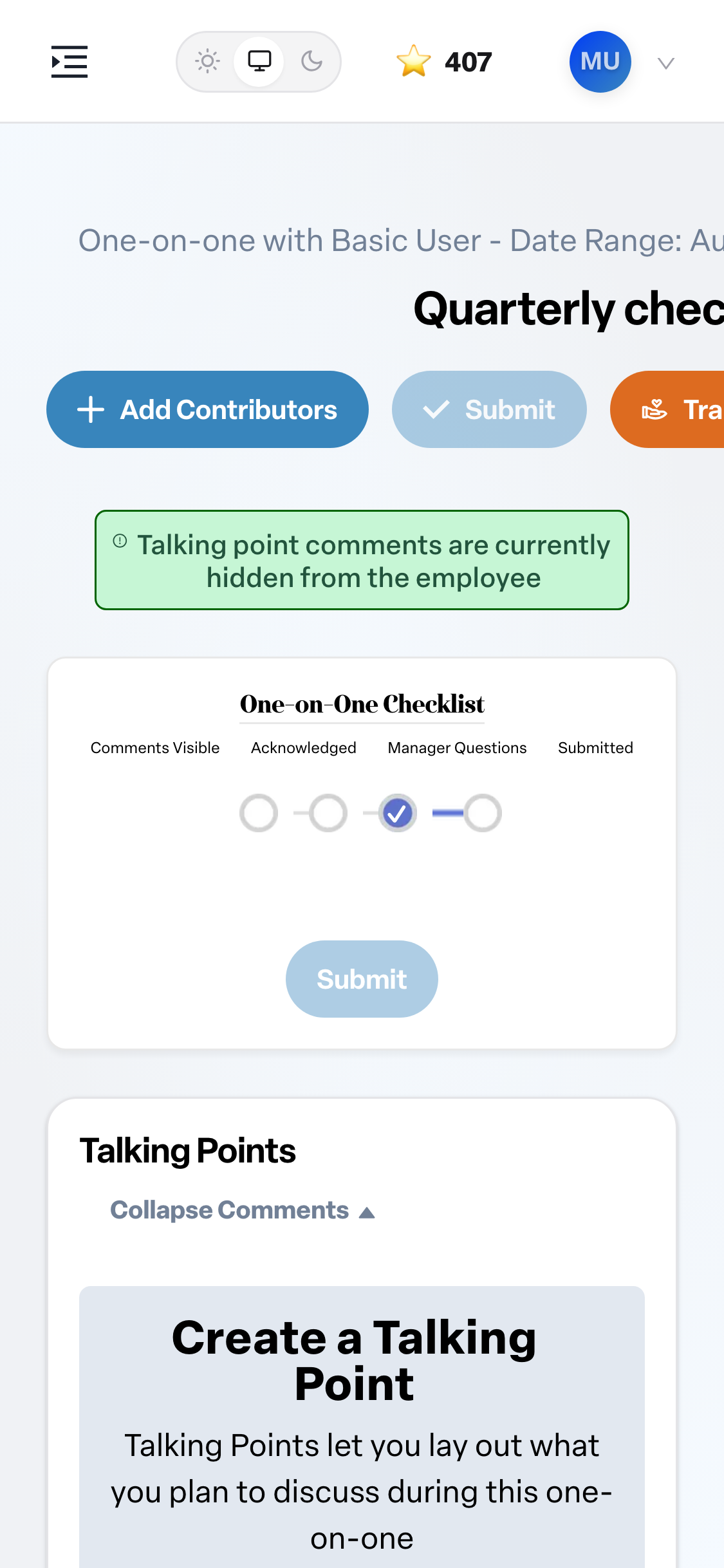
Feature. Open any 1:1 from 1:1s in the menu and you will see a One-on-One Checklist at the top that tracks Manager Comments, Comments Visible, Acknowledged and Submitted as you go. The main actions sit together in one button bar: Add Contributors, Submit and Delete. On a phone the checklist moves below the content and the Submit button is always reachable. The page also stays up to date while you work, without losing your place.
Benefit. Managers and employees can see exactly what is left to finish a 1:1, and managers can wrap one up from their phone right after the conversation.
Opportunity. Ask your managers to open their next 1:1 on their phone during or right after the meeting and use the checklist to finish it on the spot.
Fewer unnecessary feedback emails
Major update
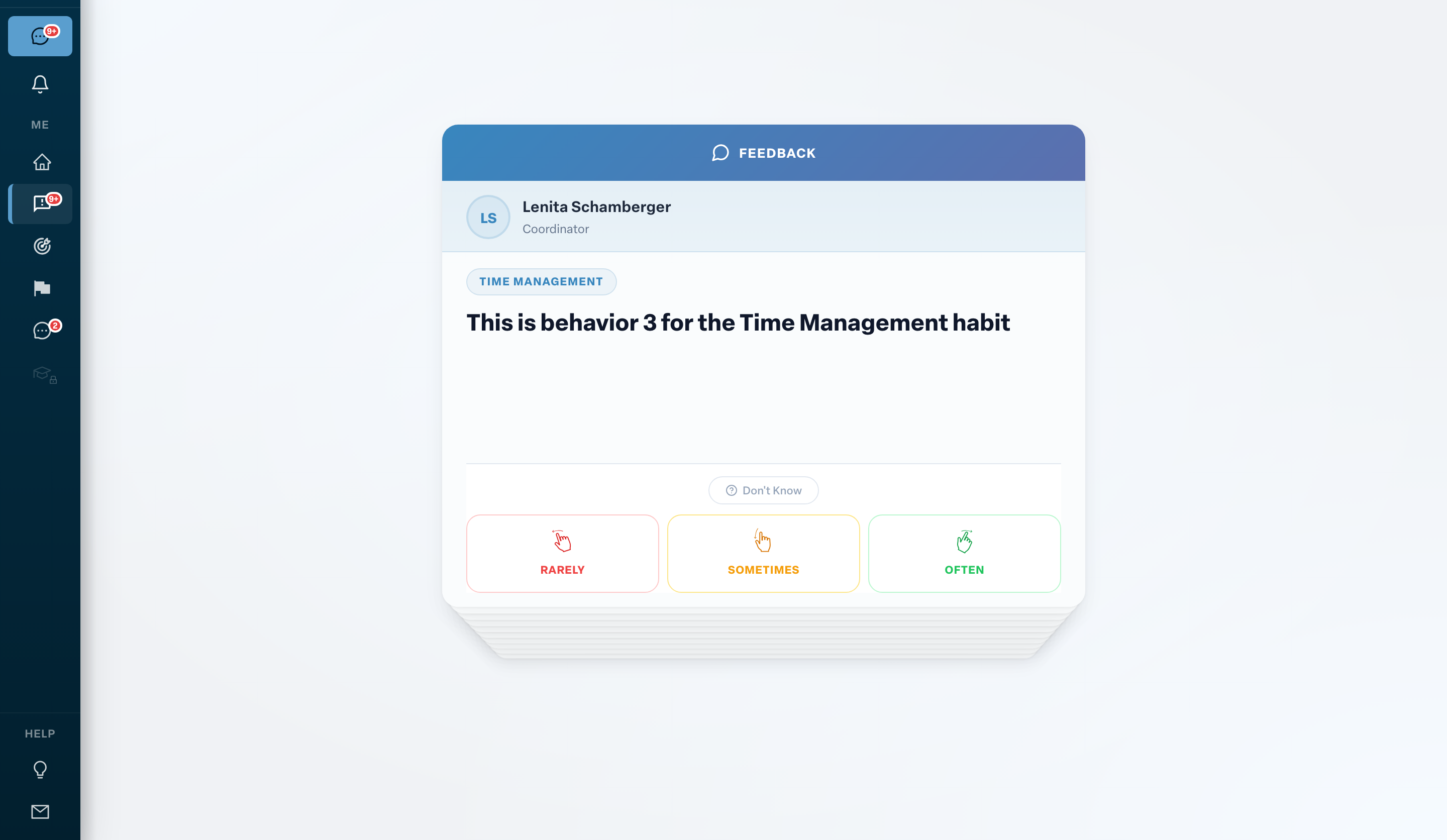
Feature. Engage now sends feedback emails only to people who have feedback to give. People who have finished their Lead360° program no longer receive Lead360° feedback reminders, and we brought all of Engage's email onto one delivery system so the same message does not go out twice.
Benefit. Every email from Engage is worth opening, which keeps your people responsive when it counts.
Opportunity. If some employees had started ignoring Engage emails, now is a good time to remind them that a feedback email means real cards are waiting.
Improvements
Notification Audit covers every message
Feature. Notification Audit now includes all of the emails and text messages Engage sends to your organization, including every feedback email.
Benefit. You now have one place to answer "did they get it?" for any Engage notification.
Opportunity. Use Notification Audit to confirm that reminders went out before your next feedback or 1:1 deadline.
Fixes
- Sign-in now shows a clear message when an organization's Engage account is no longer active, instead of a confusing error.
- Sign-in problems now show a helpful message instead of breaking the page, and error pages have a cleaner look.
- Quick Pulse cards display correctly in the feedback deck again, and load faster.
- The 1:1 settings page and the admin 1:1 table load without errors.
- Objectives, the forgot-password page and the results summary page load reliably.
- Response rates per team display correctly in admin reporting.
- Engage now creates feedback cards only for the habits people actually have.