Engage release notes: July 2026
Habits Analytics with a coaching report, a fresh navy sidebar and one Settings page, AI help writing objectives, notification preferences with a bell, a Microsoft Teams app and a new Users admin.
July put coaching and clarity front and center. Leaders get a real coaching view of their habits, objectives get a head start from AI, and Engage got a calmer look, one Settings page and a home inside Microsoft Teams.
New features
Habits Analytics and the coaching report
Major update
Feature. Under Habits, admins have a new Analytics tab with a leader scorecard, a benchmark line, period-over-period comparison and drill-down into each habit, plus a Leader coaching report comparing each leader's score to the norm. A new Coaching tab, for admins and managers, gives each leader a profile with Strengths and Growth areas, an AI coaching read, and private Coaching notes you can tag as a note, action item or follow-up.
Benefit. You can see which leaders are growing, where to invest, and keep the coaching conversation in one place.
Opportunity. Managers: open the Coaching tab before your next 1:1 with a team lead and add one action item.
If your organization has AI features turned off, the AI coaching read does not appear.
Lead360° comments and rater split
Major update
Feature. Lead360° feedback providers can now answer short open-ended prompts about the person they are rating, and admins see those comments distilled into themes for the cohort. Engage also splits competency scores by who gave them: manager, peers and direct reports.
Benefit. Numbers tell you where a leader stands; comments and rater splits tell you why, and with whom.
Opportunity. In your next debrief, start with the biggest gap between how direct reports and peers rate the same leader.
Available on plans that include Lead360°.
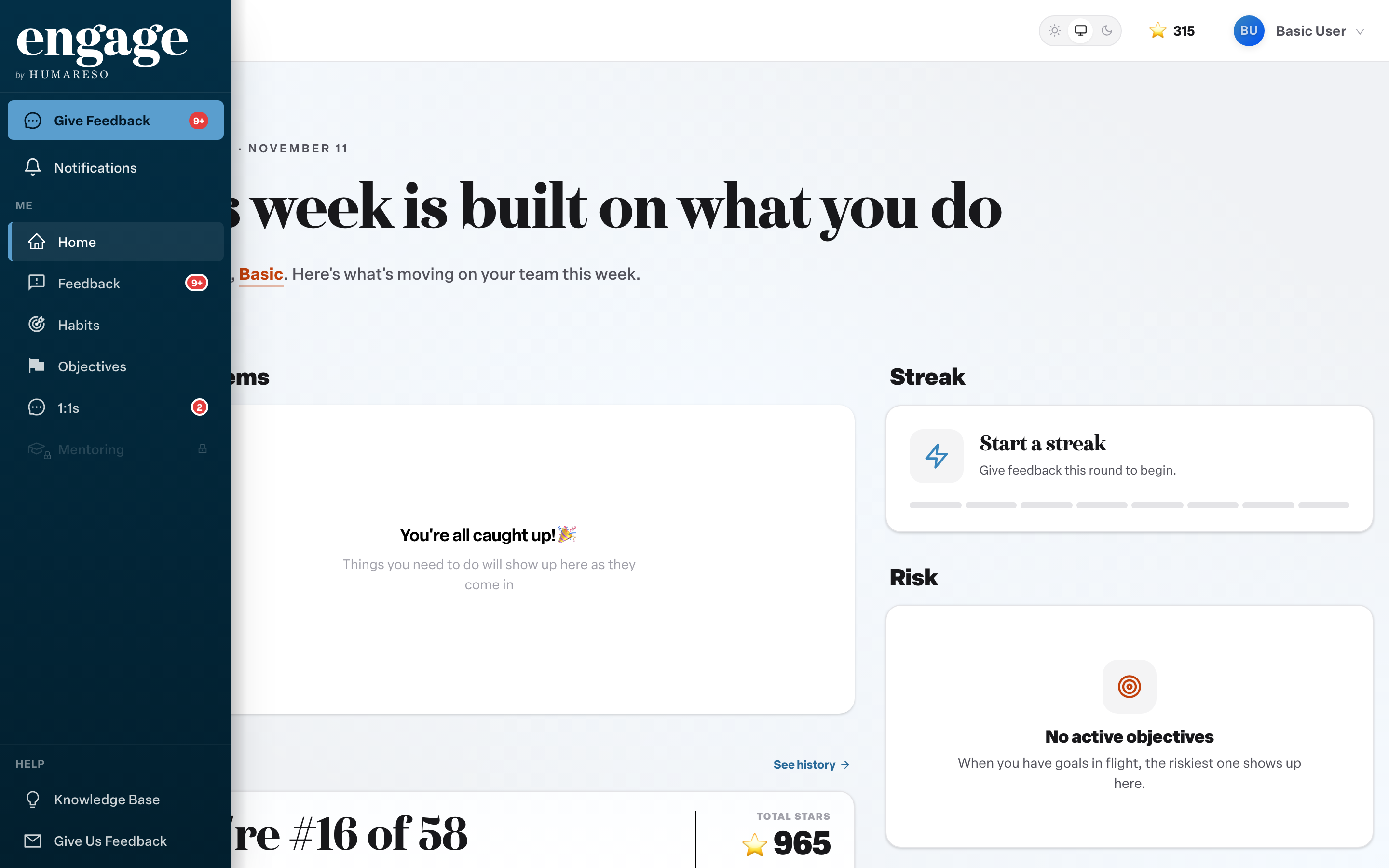
A new navy sidebar and one Settings page
Major update
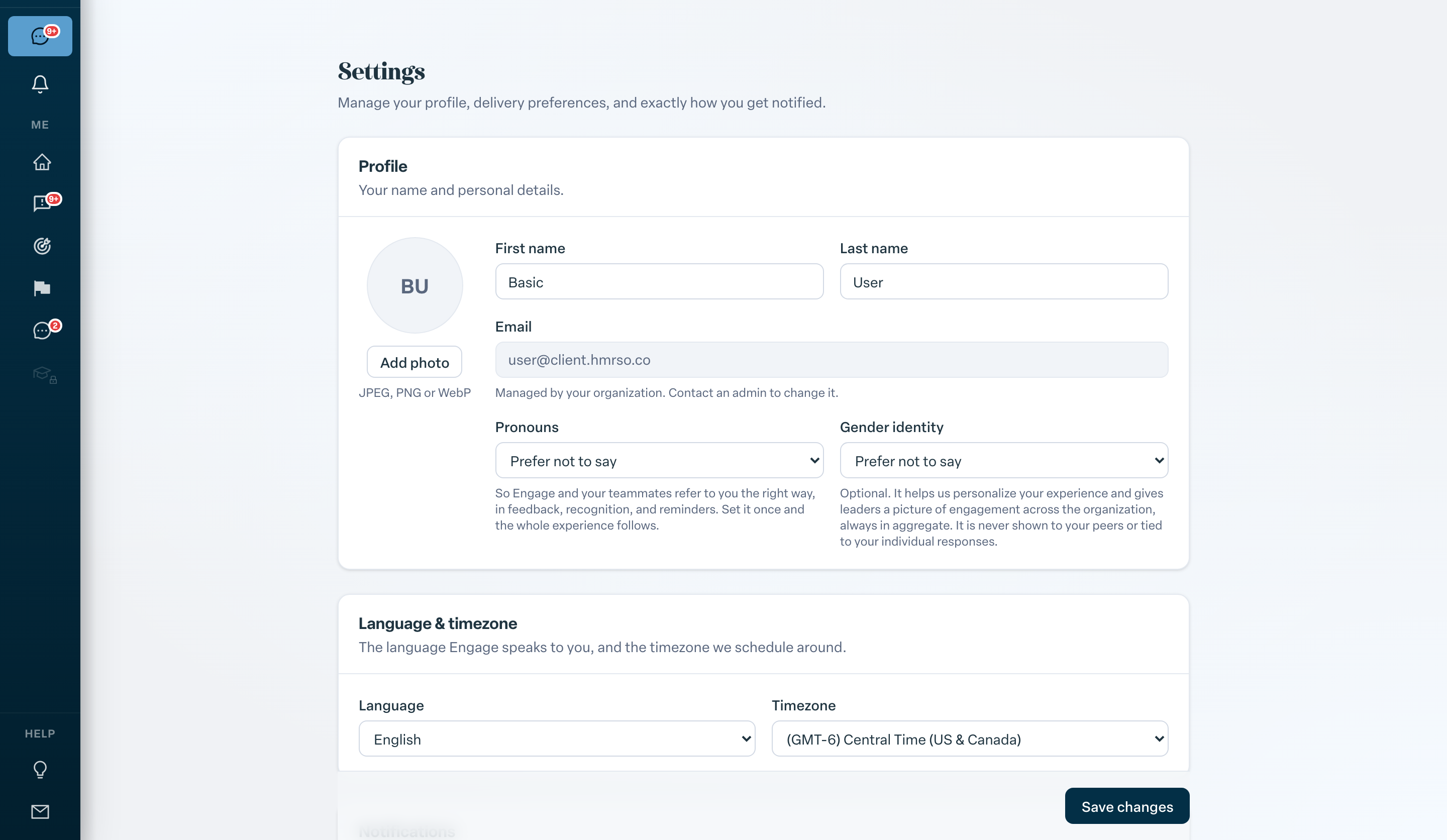
Feature. Engage has a refreshed navy sidebar with the Engage wordmark for every organization. Your personal settings now live on one Settings page with a Profile section (photo, name, pronouns, gender and language) and a Notifications section that you save with one button.
Benefit. You get a cleaner, more consistent look and one obvious place to change anything about your own account.
Opportunity. Ask everyone to open Settings once to confirm their language, phone number and delivery time.
AI objective starter and cascade
Major update
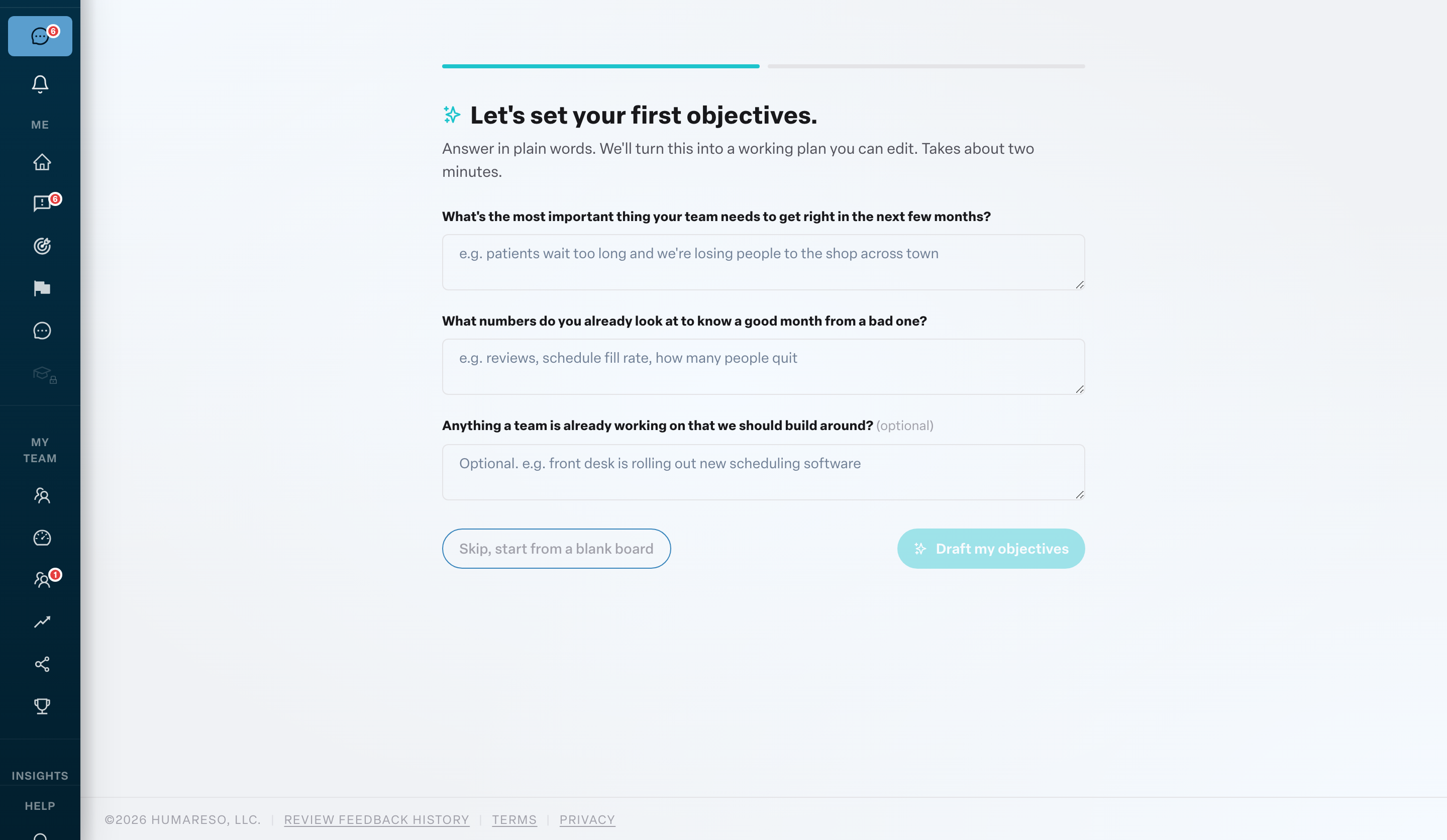
Feature. Set your objectives suggests a starter set of objectives with measurable key results, tailored to your role, which you can accept, edit or skip. On any objective with teams beneath it, Draft team objectives proposes one aligned objective per team, each with a short explanation of how it supports the parent. Your library can also start out with ready-made drafts.
Benefit. The blank page is the hardest part of goal setting. Now managers start with a strong draft that already lines up with company goals.
Opportunity. Open a company objective and use Draft team objectives to cascade it before your next planning meeting.
If your organization has AI features turned off, you get a standard starter set instead of tailored suggestions.
Notification preferences and the bell
Major update
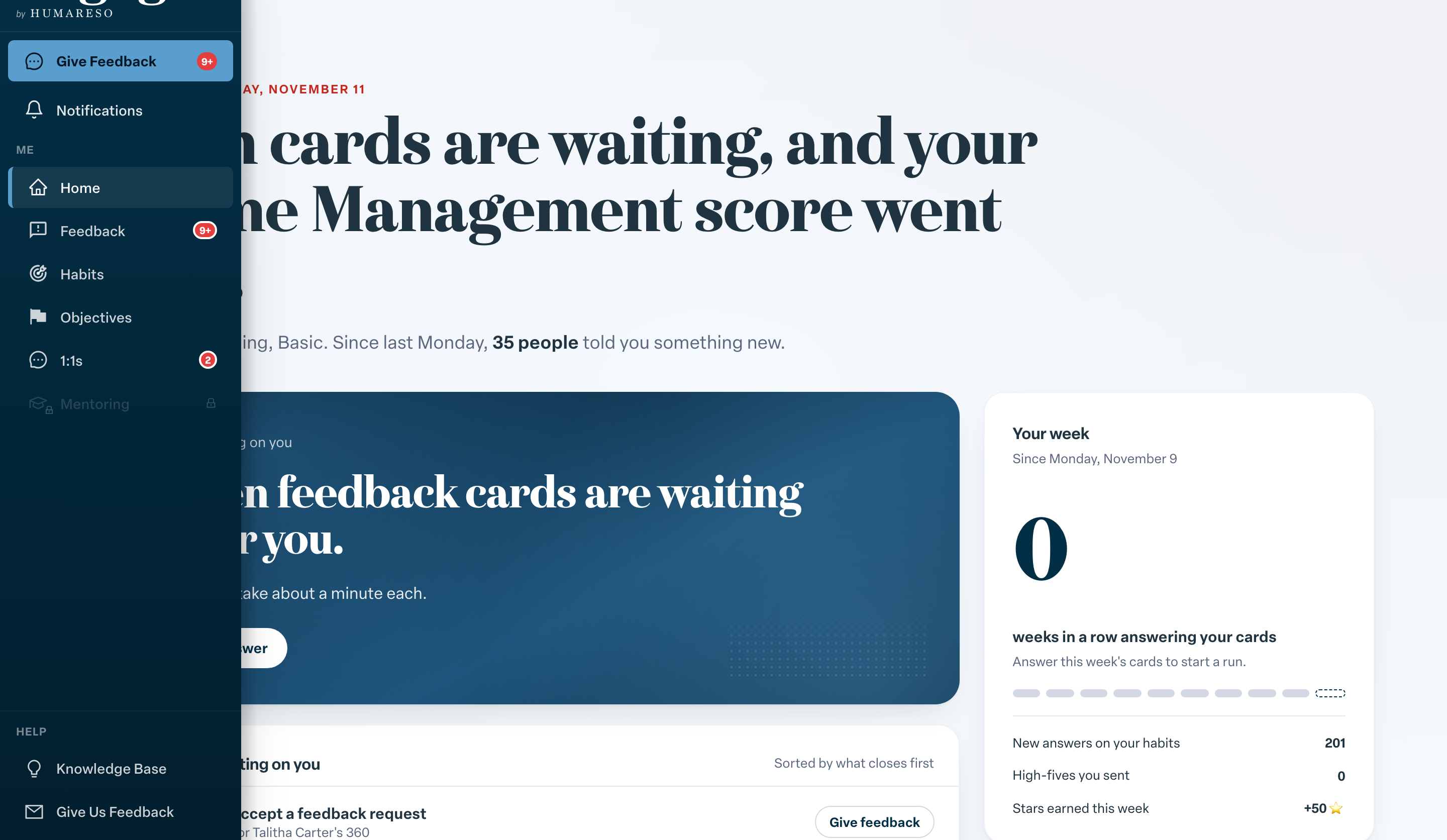
Feature. Settings, then Notifications, now lets you choose how you hear about each thing, by channel: email, text, in-app and more. A bell in the top right collects your in-app notifications, with Mark all read, a shortcut to your settings, and Enable push on this device. Admins can also turn whole notification categories on or off for the organization under Admin, then Organization, then Notifications. We refreshed the settings layout again in October.
Benefit. People get the reminders they want, where they want them, and fewer of the ones they do not.
Opportunity. Turn on push for your phone so you never miss a High Five.
Engage in Microsoft Teams
Major update
Feature. Engage is now available as a Microsoft Teams app. Inside Teams you get Feedback, Habits, Recognition, Objectives and Settings tabs, and Engage notifications arrive in the app's chat. A Teams channel appears in your notification settings once your organization has it set up.
Benefit. Employees answer cards and recognize each other where they already spend their day.
Opportunity. If your company lives in Teams, ask your Humareso team about adding the Engage app for your organization.
This is available to organizations using Microsoft Teams, once your Teams administrator adds the app.
Admin Users list and user detail
Major update
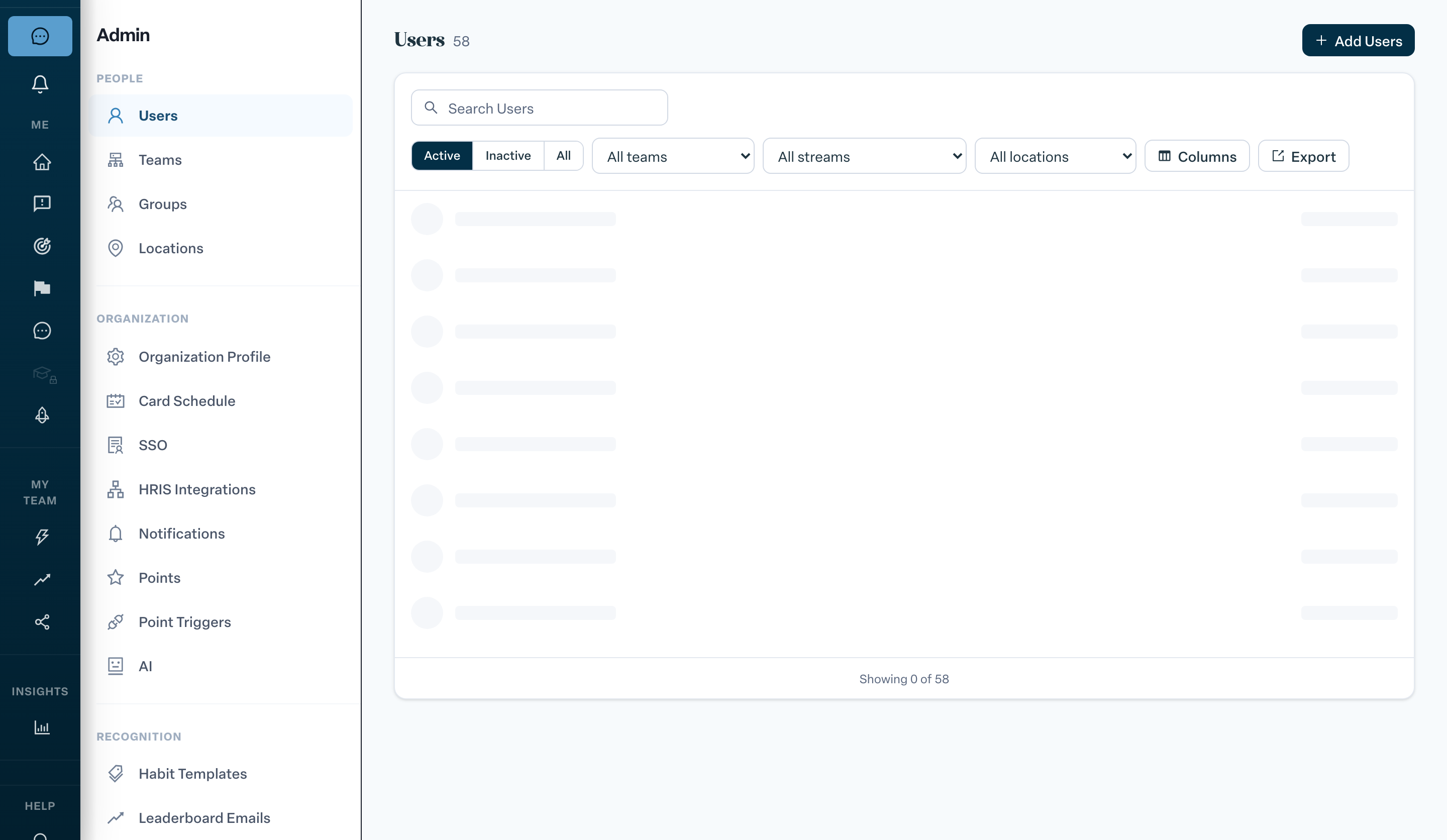
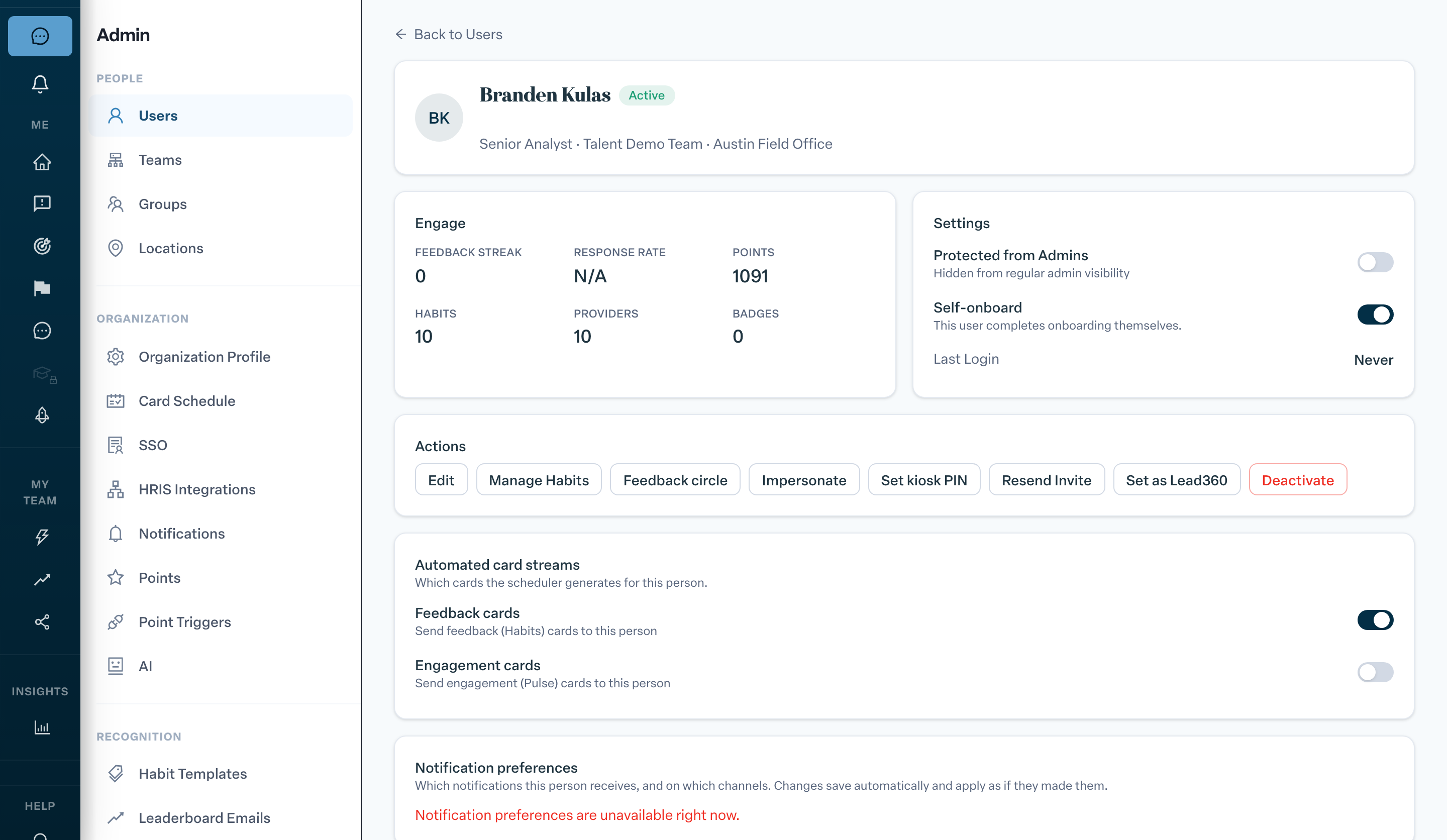
Feature. We rebuilt the user list at Admin, then People, then Users. Filter by Active, Inactive or All, by team and by location; scroll without paging; choose which columns to show; and sort the whole list by name, title, email, response rate, last login or last active. Click anyone to open a full-page profile with their card, notification and activity history. Admins can also set or reset a person's kiosk PIN from here.
Benefit. Answering "did this person get their cards, and did they respond?" takes seconds.
Opportunity. Sort by response rate to find the people who might need a nudge from their manager.
Habits overview, language choice and Pulse tabs
Major update
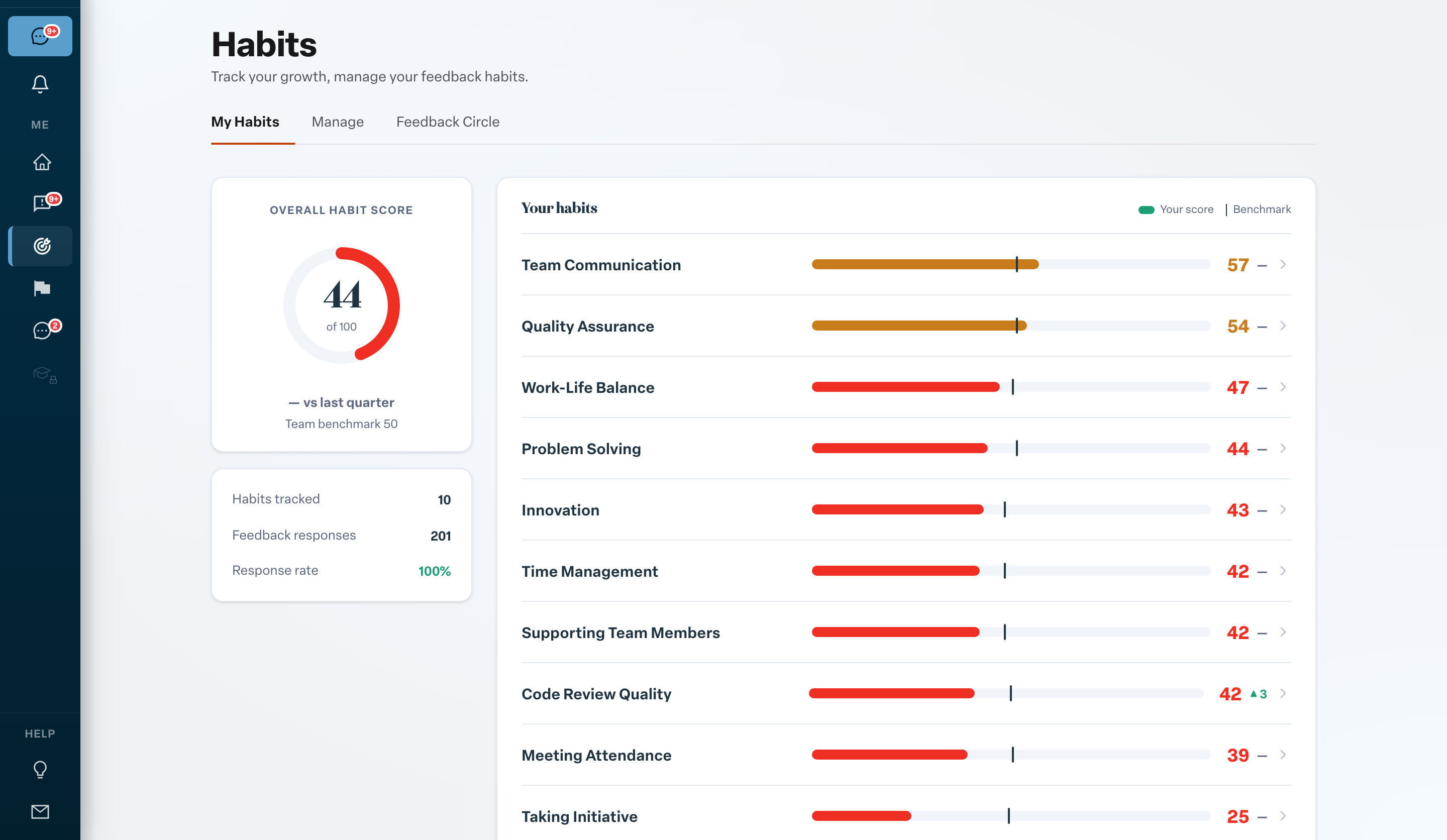
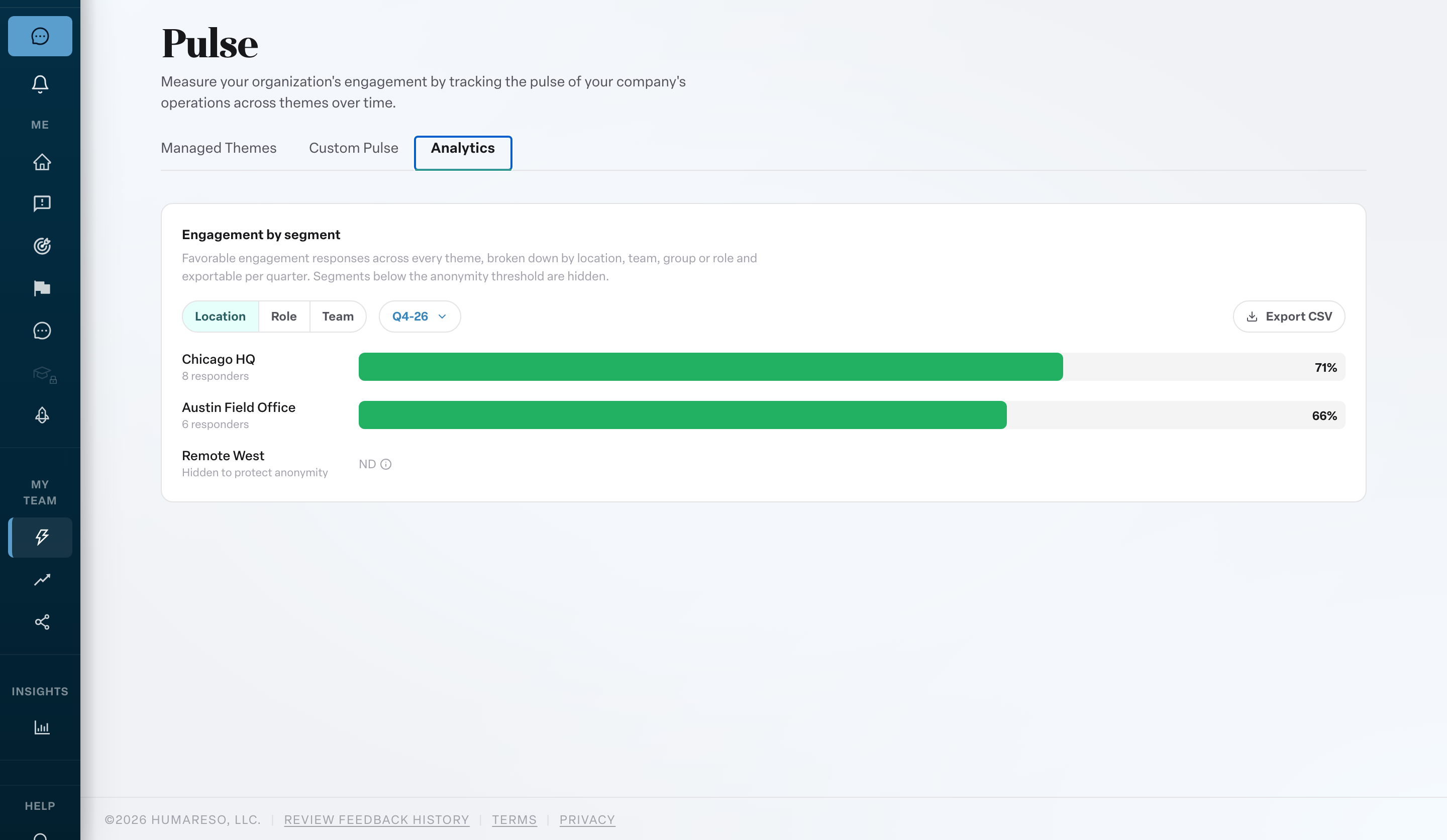
Feature. Habits, then My Habits, opens with your overall score, a ranked list of your habits with how you compare to your peers, and whether each one moved vs last quarter. Every click opens the habit's detail. Engage now picks up your browser's language, and you can choose your own under Settings; admins can set language for people individually or in bulk, and notifications follow each person's language. Pulse is now organized into Managed Themes, Custom Pulse and, for admins, Analytics.
Benefit. Employees see their growth at a glance, in their own language, and admins find survey results faster.
Opportunity. If you have multilingual teams, check that each person's language is set correctly in Admin.
Open-ended results page
Feature. Admin, then Listening, then Open-Ended Questions is a new results page: a searchable list of your questions and an anonymous, searchable reader for every response.
Benefit. The richest feedback your people write is now easy to read and search.
Opportunity. Search your responses for a word like "workload" and see what comes up.
Points log export and custom point triggers
Feature. Under Admin, then Organization, then Points, admins can export the full points log as a CSV for any date range. Point Triggers lets another system award points through a secure webhook, with a default award, a cap per event and an optional daily cap per person.
Benefit. Finance and HR get clean records, and you can reward behaviors that happen outside Engage, like completing training.
Opportunity. Connect your learning platform so finishing a course earns points automatically.
Kiosk mode is back
Feature. The shared kiosk for frontline teams is available again, with feedback, the leaderboard and High Fives.
Benefit. People without a company laptop can still give feedback and see recognition.
Opportunity. Set up a kiosk in a break room and ask your admins to issue PINs from the Users page.
Fixes
- Your feedback streak no longer claims a "new record" every round.
- In-progress objectives now show in 1:1s, and the habit breakdown in 1:1s is easier to read.
- High Five and suggestion email buttons take you to the right page.
- Profile photo uploads work reliably.
- The caught-up pill on Feedback shows your lifetime points.
- Review Feedback History moved to the bottom of the Feedback page and the caught-up screen.
- The dashboard Points Shop button opens the Points Shop.
- Lead360° self-reviews that are not finished no longer display as 50%.
- Lead360° invitation emails to outside providers show names correctly.
- Pulse reminders only go out when you have a pulse waiting.