Upgrading your Engage plan or starting a Pro trial
Admins on the free plan can start a one-time Pro trial or upgrade to Pro from Plans & pricing. During a trial, Home shows how many days are left.
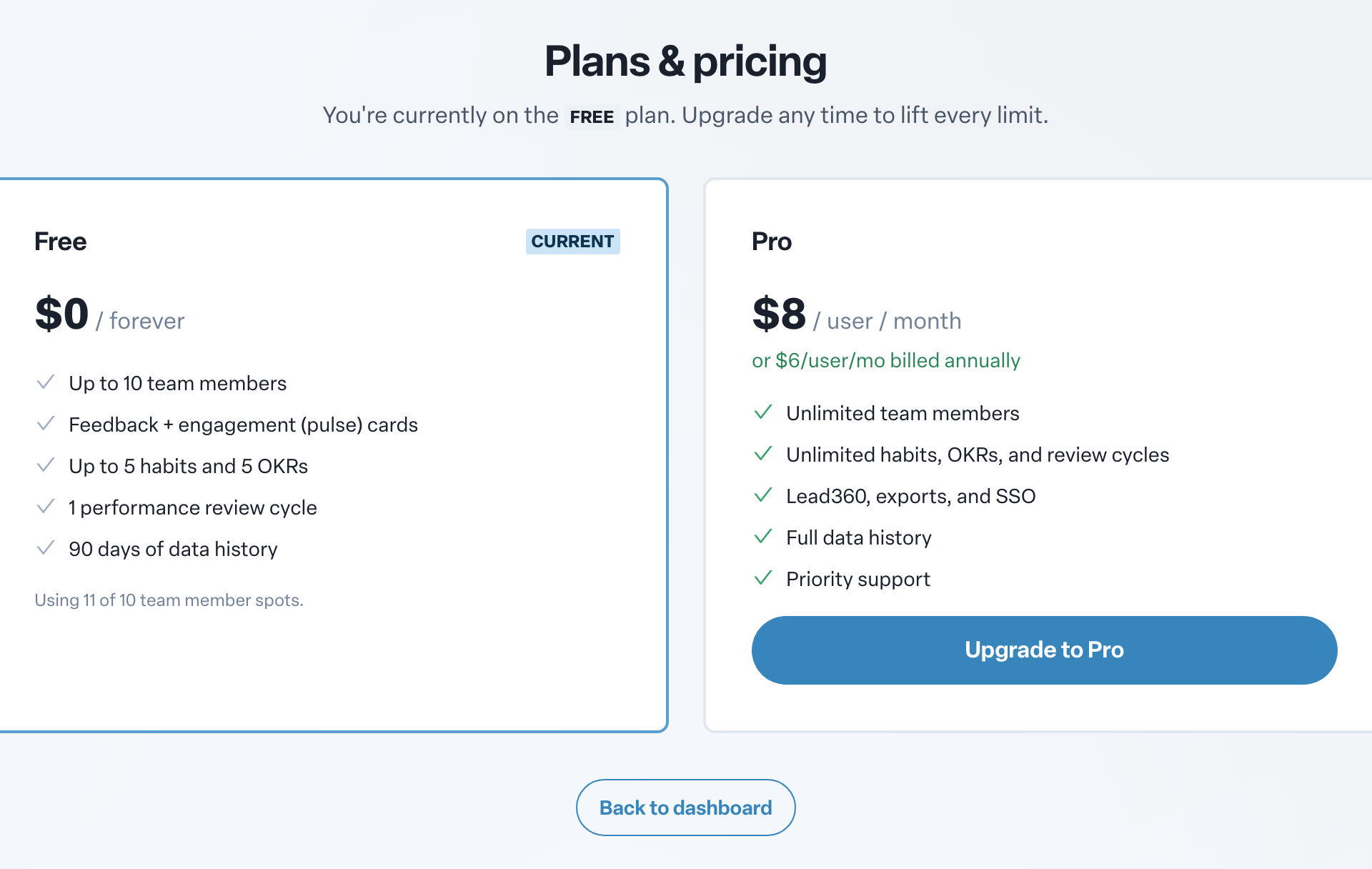
Engage comes in two plans. Free covers the core of Engage for small teams, with limits on team members, habits, objectives and review cycles. Pro lifts every limit and adds features such as Lead360, exports and SSO. Only admins can change the plan.
Compare plans
- Open Plans & pricing. You can reach it from any Upgrade or See plans & pricing button in Engage, or go to app.humareso.com/billing.
- The page shows which plan you are on and, on the free plan, how many team member spots you are using.
- Compare what each plan includes, along with current Pro pricing.
Start a free Pro trial
A Pro trial gives your whole organization full Pro access for 14 days, with no payment needed.
- On Home, find the admin card that summarizes your recent activity. Its title starts with Your last.
- Select Start Pro trial.
You will see Pro trial started and every limit lifts right away. Each organization can use the self-serve trial once. If you have already had one, contact us to upgrade.
Organizations that sign up for Engage may also start out on a trial. The setup screens show how many days of full access you have.
While you are on a trial
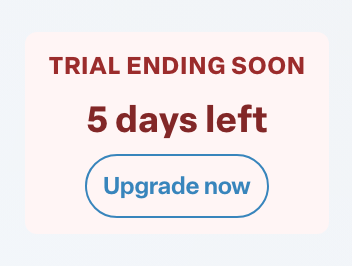
A banner at the top of Home shows Free trial and the number of days left. In the last 7 days it changes to Trial ending soon. Select Upgrade now to email our team about upgrading.
When the trial ends, your organization returns to the free plan and its limits apply again. Nothing you created is deleted, but you cannot add more than the free plan allows until you upgrade.
Upgrade to Pro
- Open Plans & pricing.
- Select Upgrade to Pro.
- If you are taken to checkout, complete your purchase there. Your plan updates once payment is confirmed.
When the upgrade is complete you will see You're on Pro! All limits lifted. The Pro card then shows Your current plan.
If the upgrade does not complete, you will see an error. Try again, or email support@humareso.com.