Leave & PTO
Beginner
How to Take the Leave Tour
Start the guided tour of Leave any time to see where everything is.
The guided tour walks you through the main parts of Leave, one step at a time. It starts on its own the first time you open your dashboard on a computer, and you can replay it any time.
Replay the Tour
- Sign in at leave.humareso.com.
- In the left sidebar, select Take a tour. If the sidebar is collapsed, select the compass icon.
- Follow the steps. Each step highlights part of the screen.
On a Phone
- Select More in the bottom menu bar.
- Select Take a tour.
What You'll See
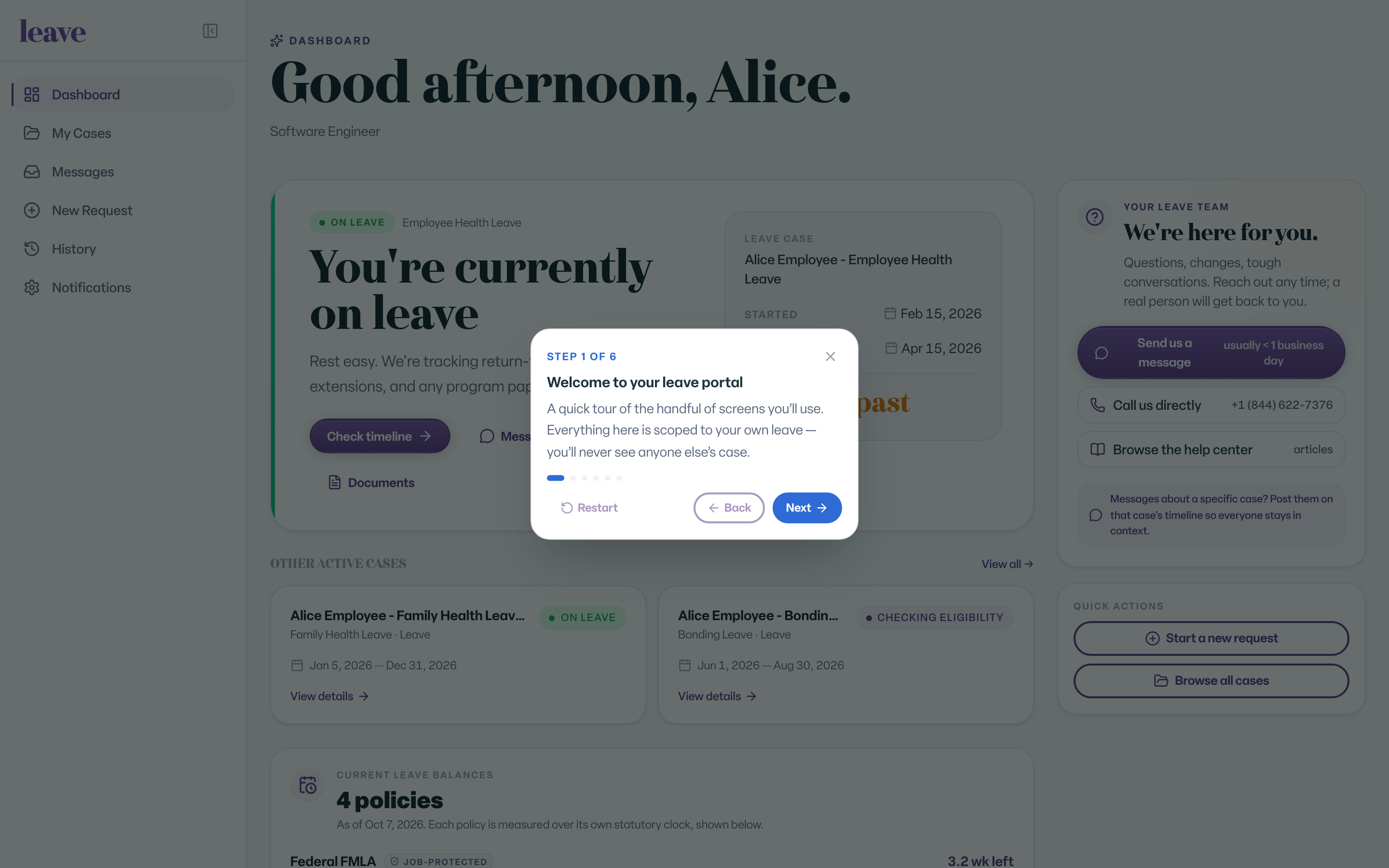
Each step shows a short card next to the part of the page it describes. The steps match your role, so an employee and an HR contact see different tours.
Common Scenarios
- The tour did not start on your phone. It only starts on its own on a larger screen. Start it from More.
- You closed the tour early. Select Take a tour to start again.
- A notice about your account is showing. The tour waits until that is resolved.