Why Is My Leave Dashboard Empty?
Understand the different empty or blocked dashboard screens in Leave and what each one means.
An empty dashboard usually means you have no active leave, or your account is not connected to any cases yet. The message on screen tells you which.
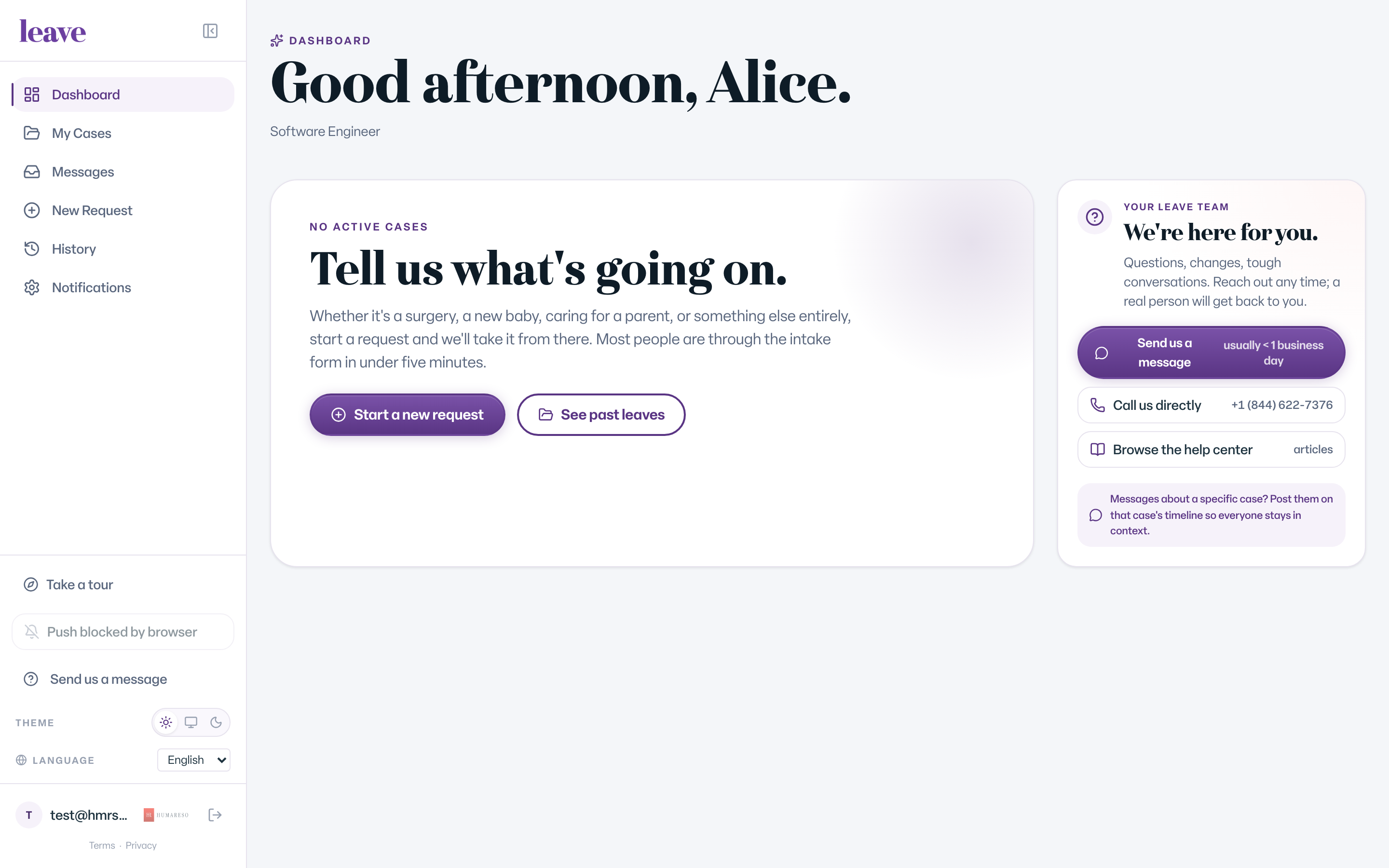
"Tell us what's going on."
You see No active cases and Tell us what's going on. when you have no active leave case. This is normal.
- Select Start a new request if you need leave.
- Select See past leaves or open History to find closed cases.
"We couldn't find your records"
This screen means you signed in, but Leave cannot connect your account to your records. Nothing has happened to your leave. This usually happens after an email address on your account changes. Contact the leave team and they will reconnect your account. See "We Couldn't Find Your Records": What It Means.
"You're a contact on a leave case"
This screen means your account works and you are on a company contact list, but you are not attached to a case you can open. Updates come to you by email. See Why Leave Says You Are a Contact With No Case to Open.
What You'll See
Common Scenarios
- Your leave was approved and is over. Closed cases move out of the active list. Find them in History or My Cases.
- You support cases for your company but see none. You are not attached to any open cases yet. Cases you support appear under Cases You're Supporting.
- You signed in with a different email than usual. Sign out and sign in with the address on your case.
- Someone started a request for you and you see nothing. Sign in with the work email they entered; the secure link went there.