Leave & PTO
Beginner
What the "Your Leave Ends Soon" Alert Means
Understand the alert on your case page as your leave end date approaches, and how to request more time.
When your leave is within two weeks of its scheduled end date, your case page shows an alert. It tells you how many days are left and gives you a quick way to ask for more time.
When the Alert Appears
The alert shows on an active case when your scheduled end date is 14 days away or less. It reads:
- Your leave ends in {days} days when more than one day is left.
- Your leave ends tomorrow on the last day before your end date.
- Your leave has ended once the end date has passed.
The alert turns red when 7 days or fewer remain.
Request More Time
- Open your case.
- In the alert, select Request Extension.
- Fill in the extension request.
- Select Submit Extension Request.
Request an extension as early as you can. Your leave terms ask for written requests at least five days before your leave ends, or as soon as you know.
What You'll See
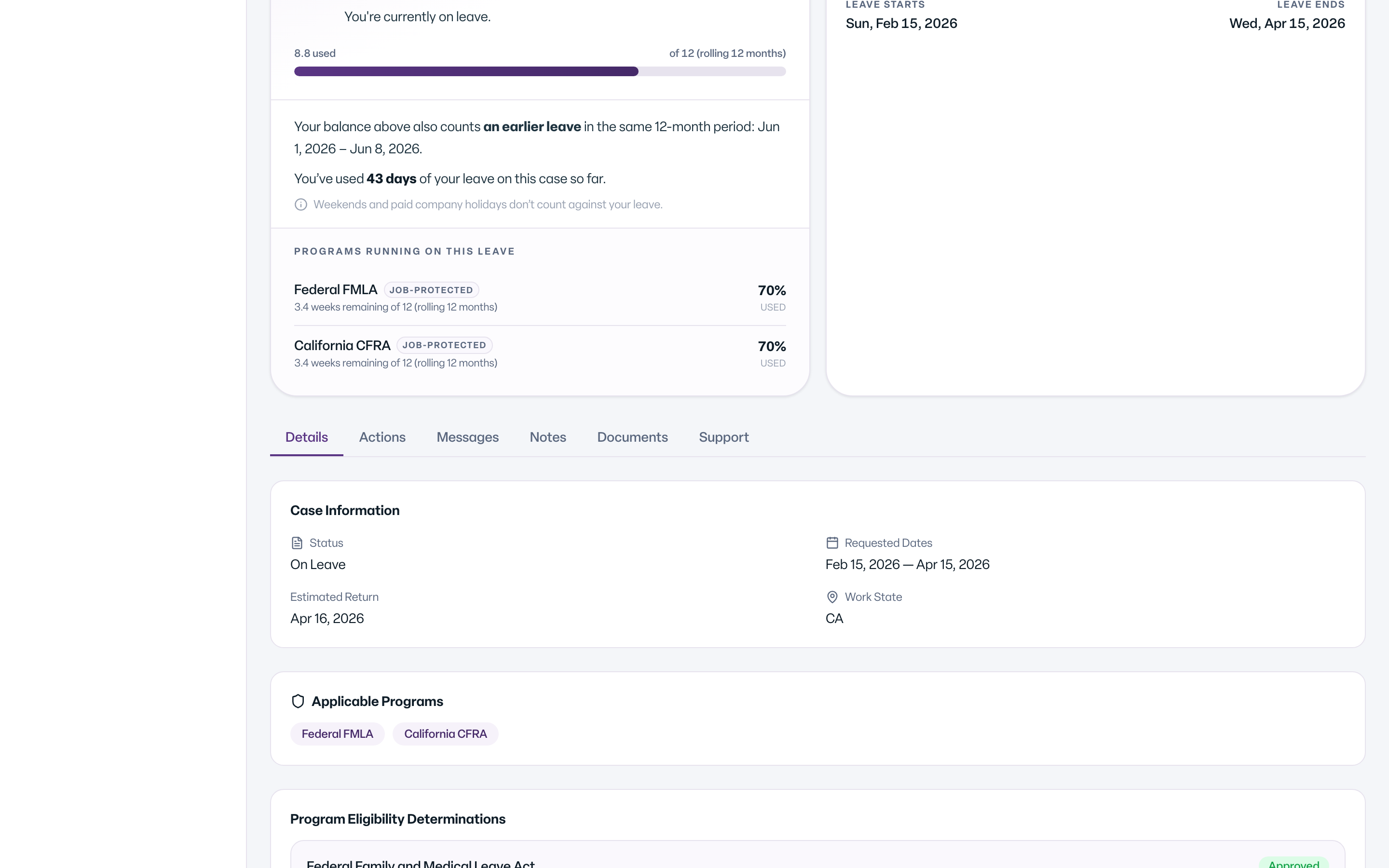
The alert names your case and its scheduled end date, followed by If you need additional time, you can request an extension.
Common Scenarios
- You are returning on time. No action is needed. The alert is a reminder only.
- You need more time. Select Request Extension before your end date.
- Your leave has ended. The extension link no longer appears. Message your leave team about next steps.
- You do not see the alert. It only appears in the last 14 days of an active leave, and only to people who can act on the case.