How Your Intermittent Time Gets Recorded
Learn who records the time you use on intermittent leave, what you can see, and what to do when you need more time than approved.
On intermittent leave, you take time off in pieces, such as flare-ups or appointments. You do not log those hours in Leave yourself. Your employer's HR contact, your manager, or the Humareso leave team records them on your case.
Report Your Time Off
- Follow your employer's normal call-out process whenever you miss work.
- Tell your manager or HR contact that the absence is for your intermittent leave.
- If you are unsure whether time counts, message your leave team from your case.
The people on your case then record the hours against your leave.
Who Records the Hours
- Your employer's HR Partner on the case.
- Your manager, if they are named on your case.
- The Humareso leave team.
The employee on the case cannot add hours. This keeps the record tied to your employer's attendance records.
What You Can See
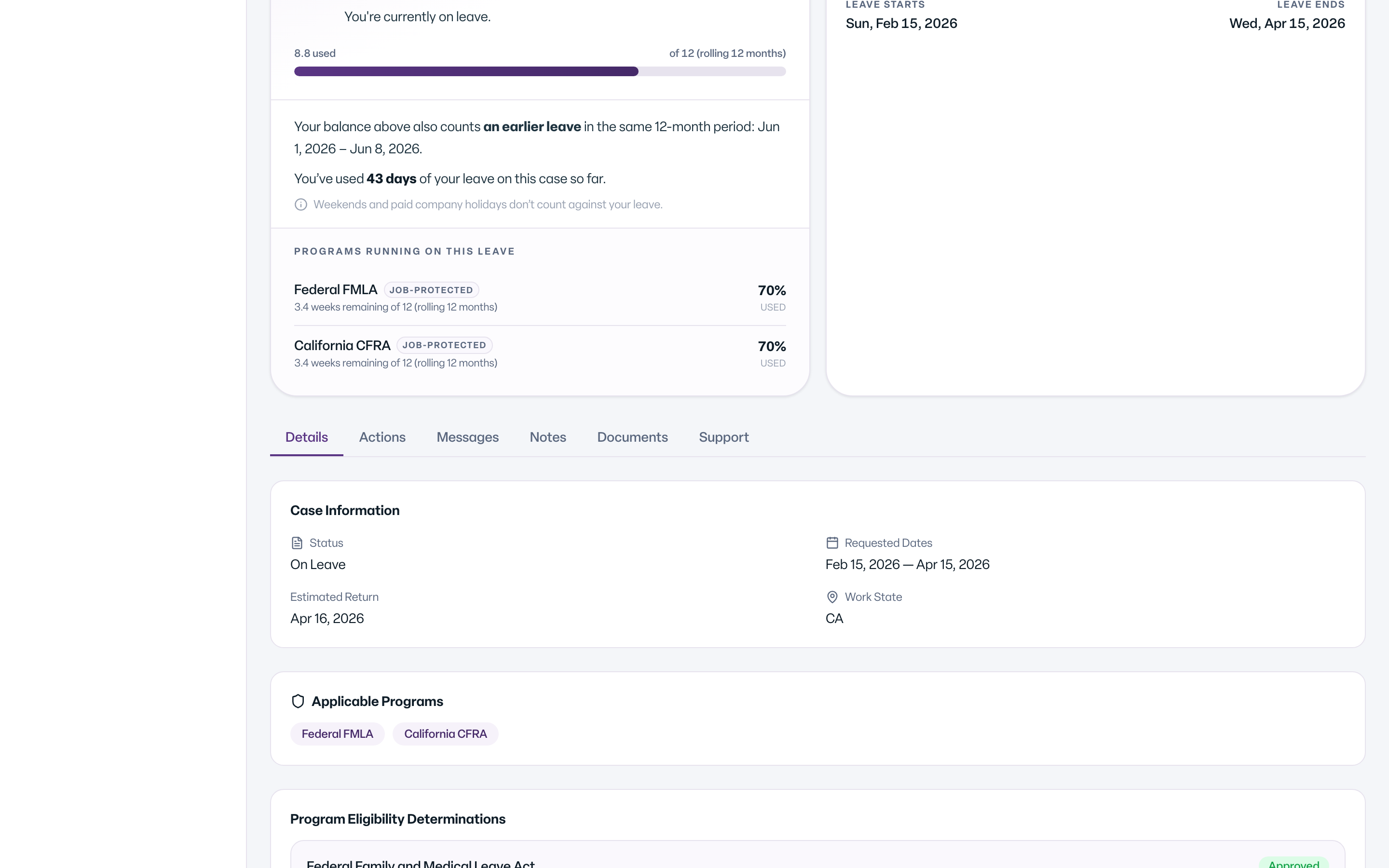
Open your case and select the Details tab. You see the Approved frequency and duration card. It shows what your leave is approved for, such as Flare-ups / episodes or Appointments / treatment, how often, and for how long each time.
The card says: This is what the leave is approved for. If time off is needed more often or for longer, contact the Leave team so the case can be updated.
What You'll See
Common Scenarios
- You need more time than approved. Message your leave team. They can review and update your case.
- You are not sure an absence was recorded. Ask your HR contact, or message your leave team.
- Your manager asks why you are out. You only need to say it is for your approved leave. See Will my manager know why I am out?
- You missed a shift for a flare-up. Report it the same way every time. See How do I report intermittent time as I use it?
Tips
- Keep your own simple list of dates and hours. It helps if a question comes up later.
- Report absences promptly so the record stays accurate.