How to Fix "Sign In Failed" or "Access Denied" in Leave
Learn what the sign-in error messages in Leave mean and the steps that get you signed in again.
Leave signs you in through Humareso's sign-in page, usually with a link sent to your email. If that step goes wrong, you see an error instead of your dashboard. This guide explains each message and how to get back in.
How Sign-In Works
- Go to leave.humareso.com.
- Leave sends you to the Humareso sign-in page. You see Redirecting to Sign In for a moment.
- Enter your email address and request a sign-in link.
- Open the email and select the link.
- Leave shows Completing Authentication and Verifying your access…, then opens your dashboard.
Use the same email address every time. Your case is tied to the address you used when you requested leave.
The Messages You Might See
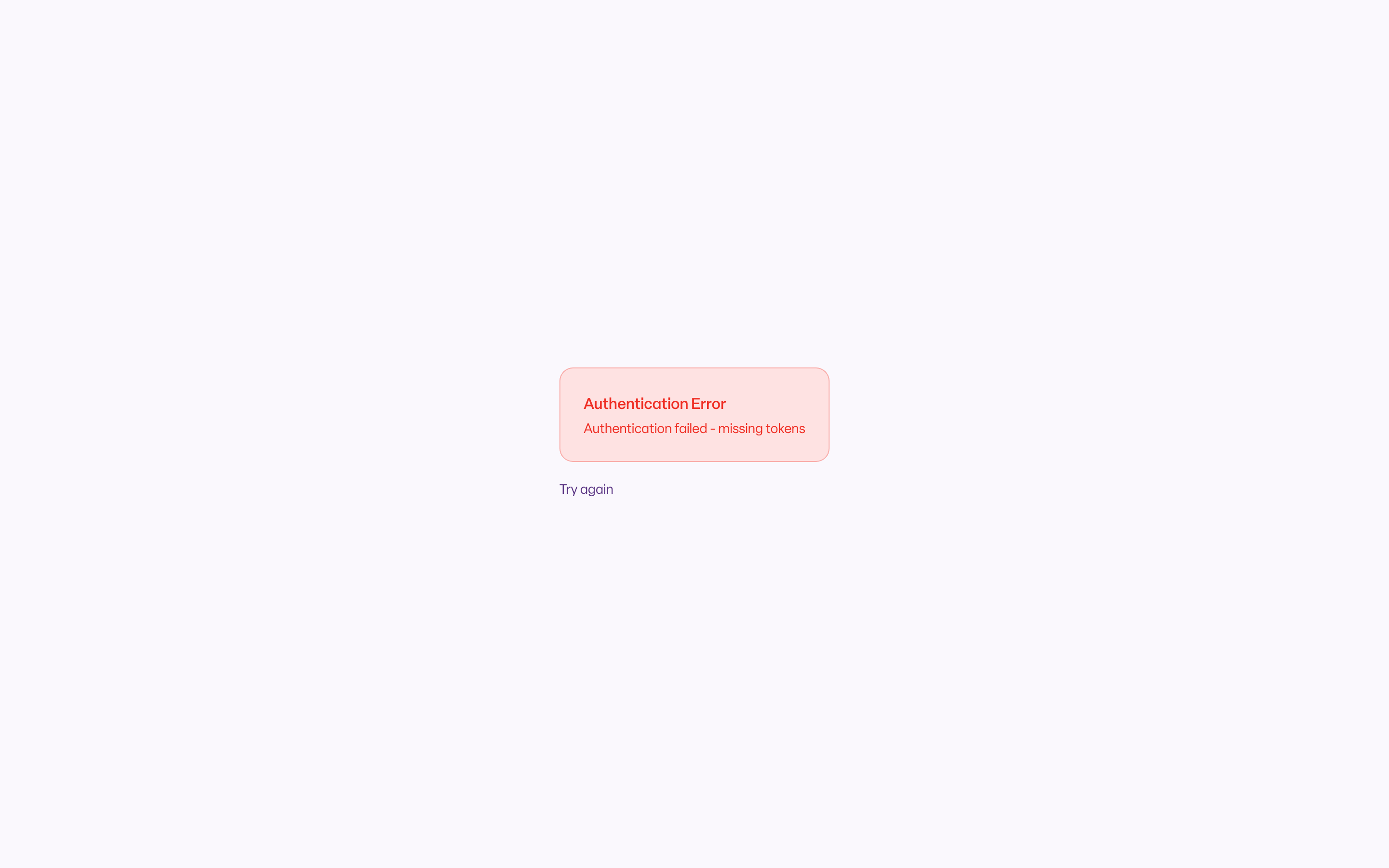
Authentication Error
The page shows Authentication Error with a reason and a Try again button. Common reasons:
- Authentication failed - missing tokens. The sign-in link did not finish. This happens if the link was opened twice, copied incompletely, or opened after it expired.
- Authentication failed: followed by a reason from the sign-in page.
- Access denied. Your account signed in but does not have access to Leave.
- An error occurred during authentication. Something interrupted the sign-in.
To fix it:
- Select Try again.
- Request a new sign-in link.
- Open the newest email only, and select the link once.
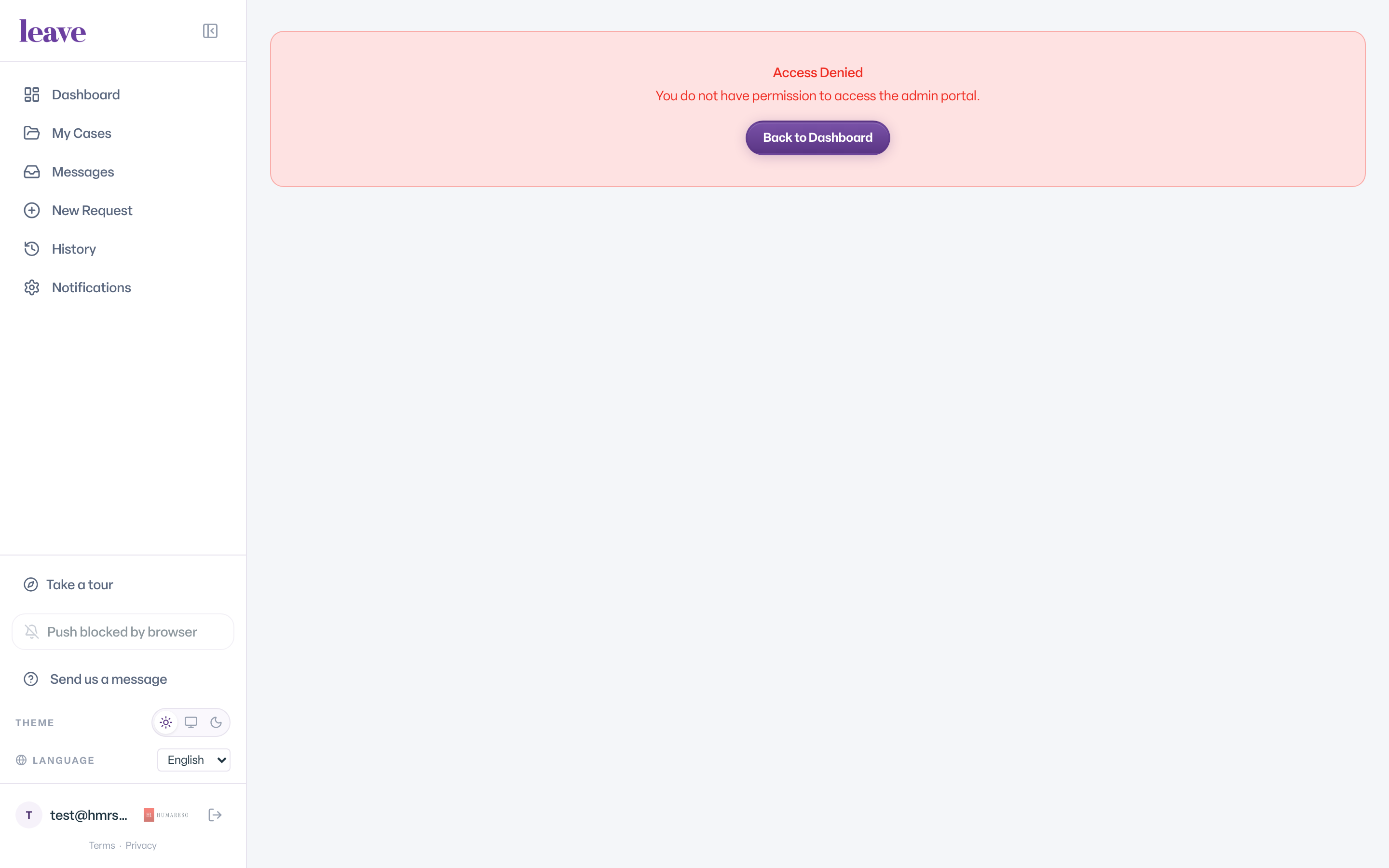
Access Denied
If the page shows Access denied with Please contact your administrator if you believe this is an error., your account is recognized but is not set up for Leave. Email leave@humareso.com and tell us the address you signed in with.
Failed to Validate Authentication
This means Leave could not check your sign-in. Refresh the page. If it keeps happening, wait a few minutes and sign in again.
What You'll See
Common Scenarios
- Your link expired. Sign-in links do not last. Request a new one and use it right away.
- You requested several links. Only use the newest email. Older links may no longer work.
- You used a different email address. Sign in with the address you used on your leave request. A different address may sign you in without your case.
- Your work email is switched off. Email leave@humareso.com from a personal address and ask the team to help you sign in.
- You signed in but see "We couldn't find your records". That is a different problem. See "We Couldn't Find Your Records": What It Means.
Troubleshooting
The link email never arrives. Check your spam or junk folder. Make sure you typed the address correctly. If it still does not arrive, email leave@humareso.com.
I keep landing back on the sign-in page. Clear your browser's site data for leave.humareso.com, then request a new link. You can also see I cannot sign in. What should I do?