Leave & PTO
Beginner
How to Switch Leave to Dark Mode
Choose light mode, dark mode, or match your device's setting.
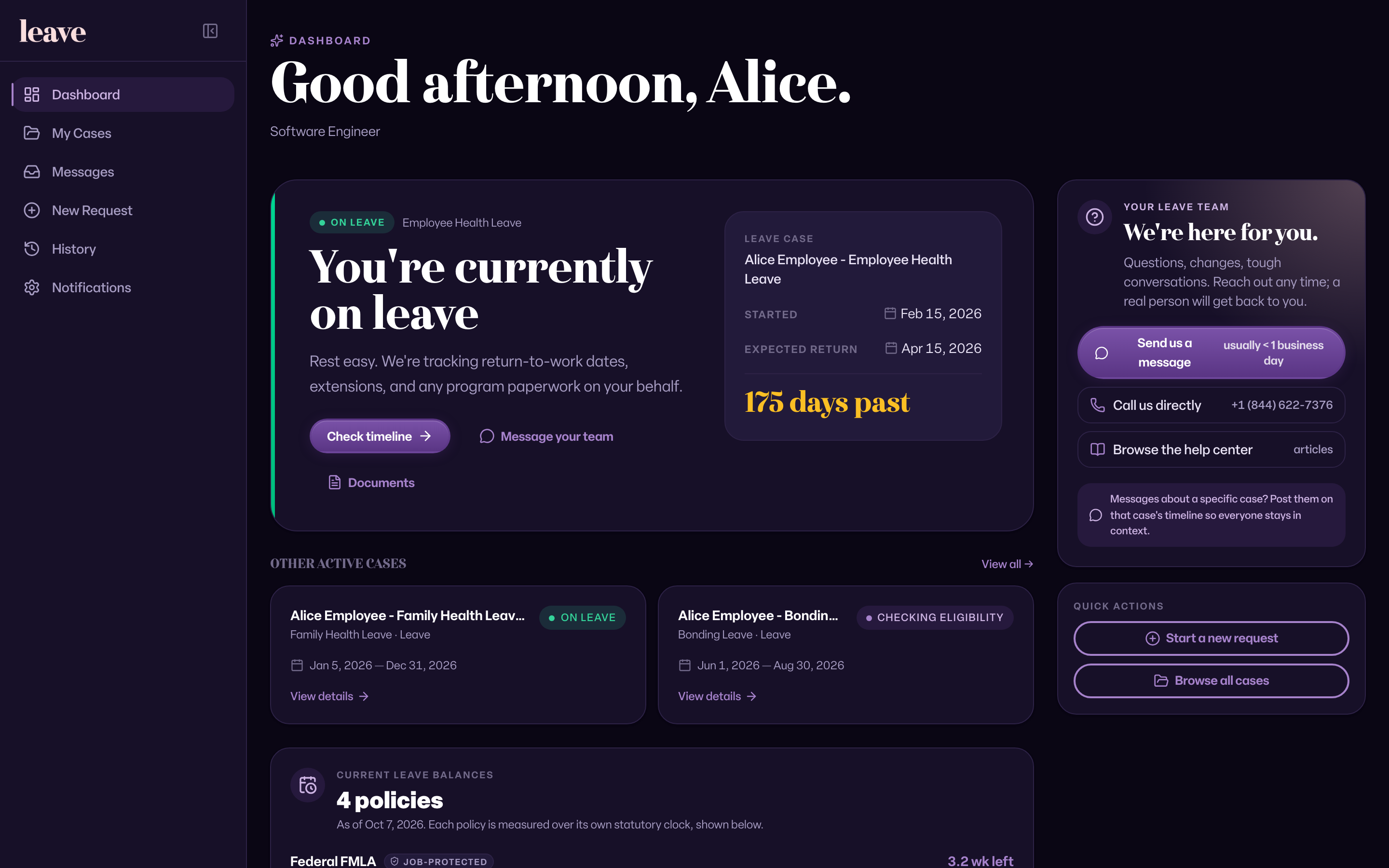
You can show Leave in light mode, dark mode, or match your device's setting. Your choice is saved in your browser.
Change the Theme
- Sign in at leave.humareso.com.
- In the left sidebar, find Theme near the bottom. On a phone, select More first.
- Select Light mode, Match system, or Dark mode.
The change applies right away.
What You'll See
Common Scenarios
- You chose Match system. Leave follows your device's light or dark setting automatically.
- The theme reset. Your choice is saved per browser. Set it again on a new browser or device, or after clearing your browser data.
- The sidebar is collapsed. The theme toggle still shows in the collapsed rail.