Liking and commenting on high-fives
React to the recognition your colleagues share. Like a high-five, reply with a comment or GIF, and remove your own posts if you need to.
High-fives show up in the Recognition card on your Home page and on the full High-fives page. Adding a like or a quick reply is an easy way to join in when someone is recognized.
To see the full feed, select View all on the Recognition card.
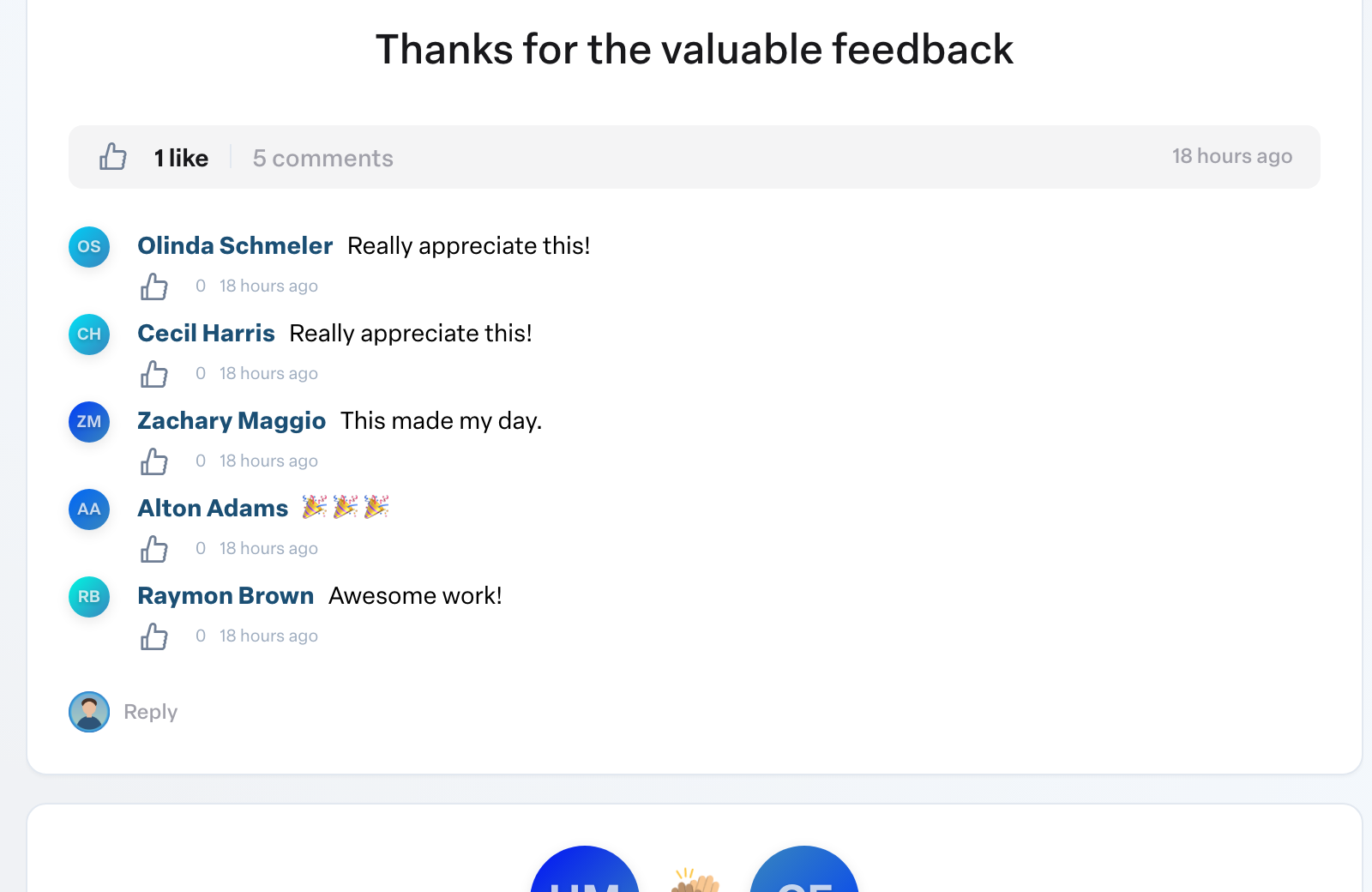
Like a high-five
- Find the high-five in the feed.
- Select the like button under it. Select it again to remove your like.
Hover over the like count to see who liked it.
Comment on a high-five
- Select Reply under the high-five.
- Type your message in Add a reply. You can also add a GIF.
- Select Comment.
Your comment appears under the high-five, and the person who received it can be notified. When a high-five has many comments, only the most recent show at first; select the View earlier comments link (for example, View 3 earlier comments) to see the rest.
You can also like an individual comment by selecting the like button next to it.
Delete your own comment or high-five
- A comment you wrote: select Delete next to it, then confirm. This cannot be undone.
- A high-five you sent: select the more options menu on the high-five, choose Delete, then confirm.
You can only delete what you wrote yourself. If you see something that should not be there, talk to your administrator.
Private high-fives
A high-five marked private is shown only to the people involved. It does not appear in everyone's feed.